
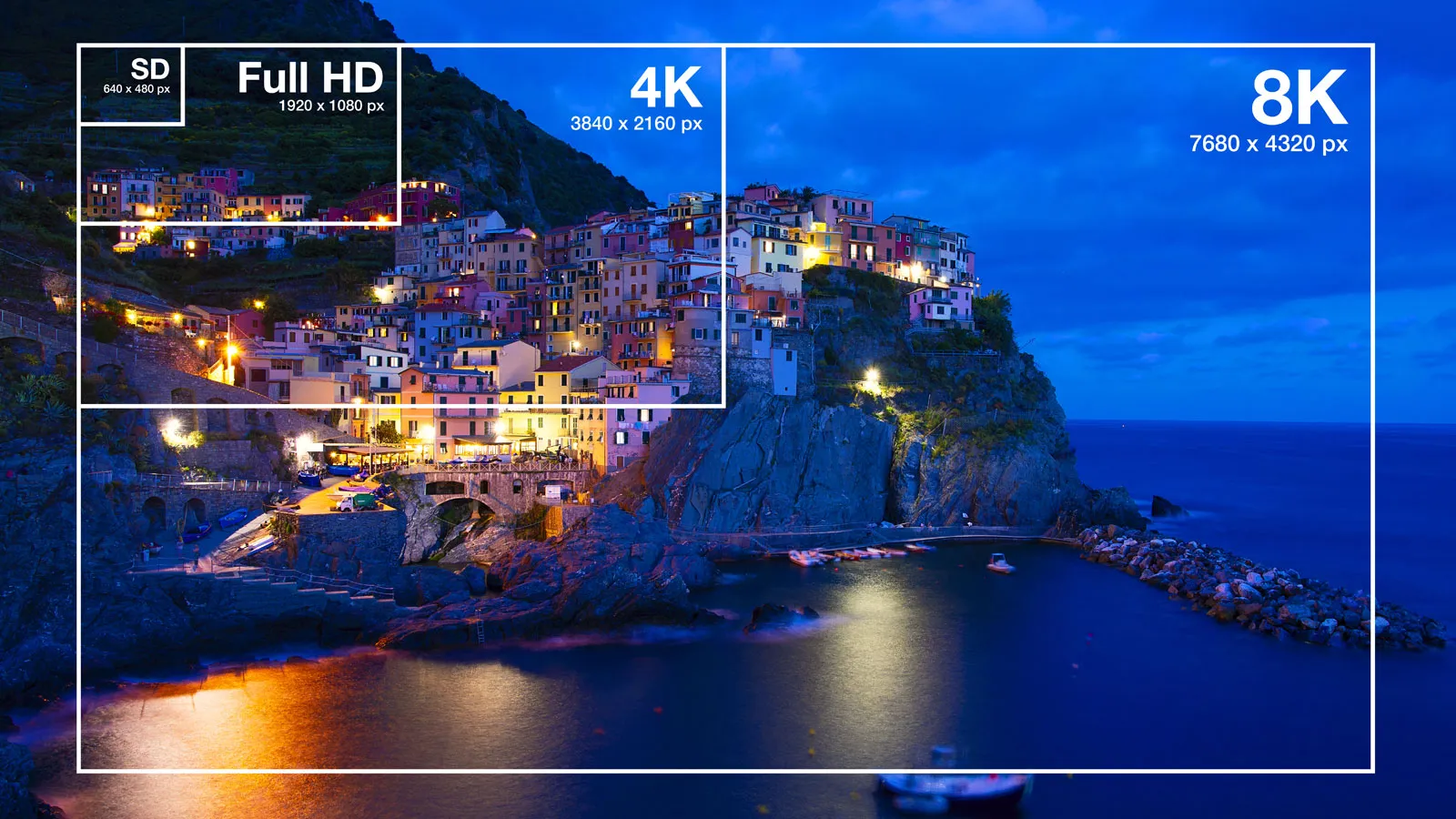
One of the most common errors in digital signage is using content with the wrong resolution. This guide will help you understand the appropriate resolutions for various types of digital displays, ensuring your content looks sharp and professional.
Standalone LCD Screens (Horizontal Orientation)

These horizontal displays range in size from 10 to 110 inches and are typically in a 16:9 aspect ratio. The most common resolutions for these screens are:
- Full HD (1920 x 1080 pixels)
- 4K Ultra HD (3840 x 2160 pixels)
It’s rare to encounter screens with lower resolutions, but you might find some older displays with resolutions such as:
- 1366 x 768 pixels
- 1280 x 768 pixels
Standalone LCD Screens (Vertical Orientation)
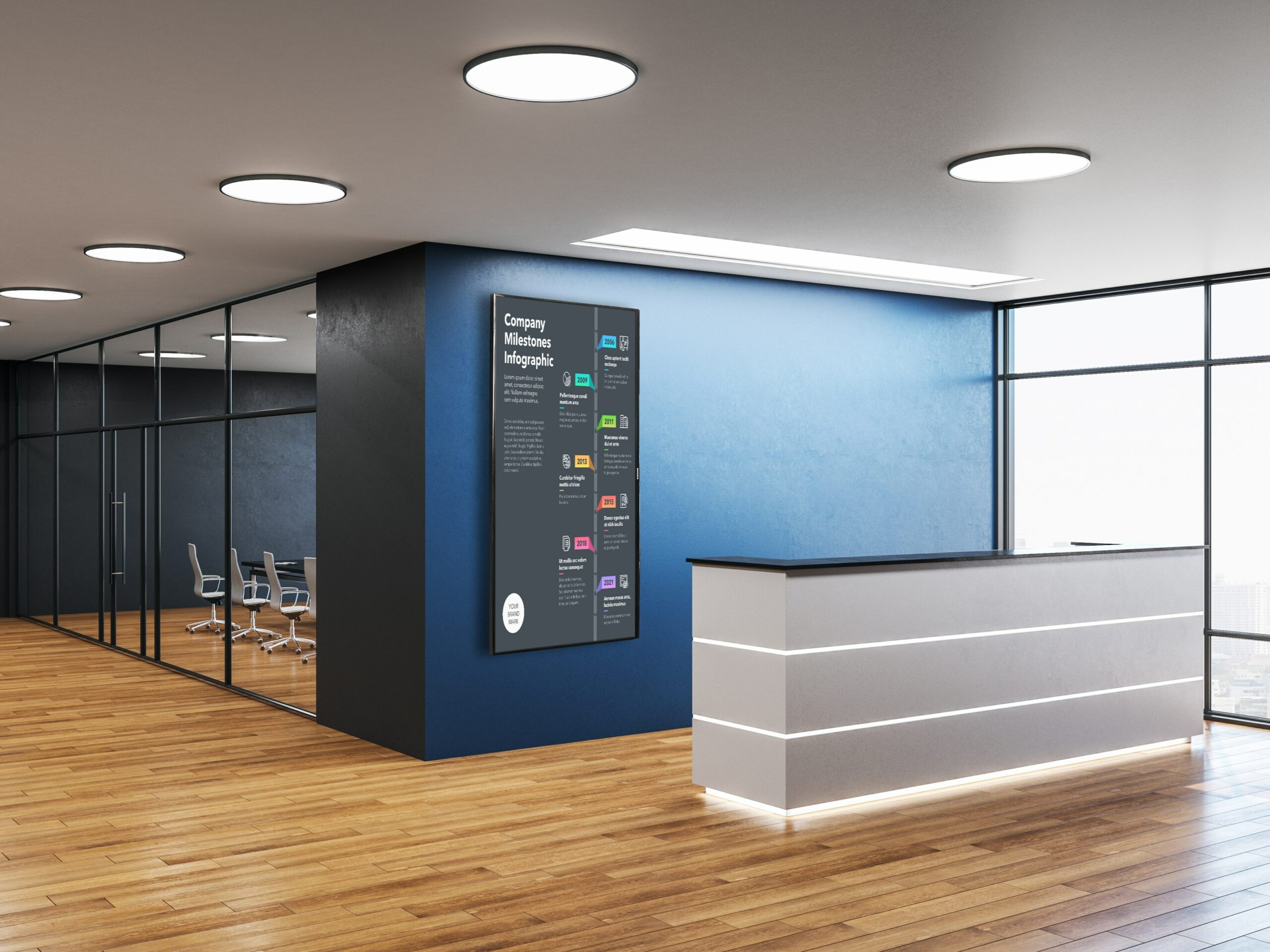
In this category, there are two scenarios to consider:
- Native Vertical Orientation: These screens are designed to be installed vertically. They usually have a 9:16 aspect ratio with resolutions like 1080 x 1920 pixels or 2160 x 3840 pixels.
- Rotated Horizontal Screens: These screens are originally designed for landscape orientation but are installed vertically. In this case, create your content in a 16:9 aspect ratio and then rotate it to match the screen’s orientation.
Custom-Shaped LCD Screens
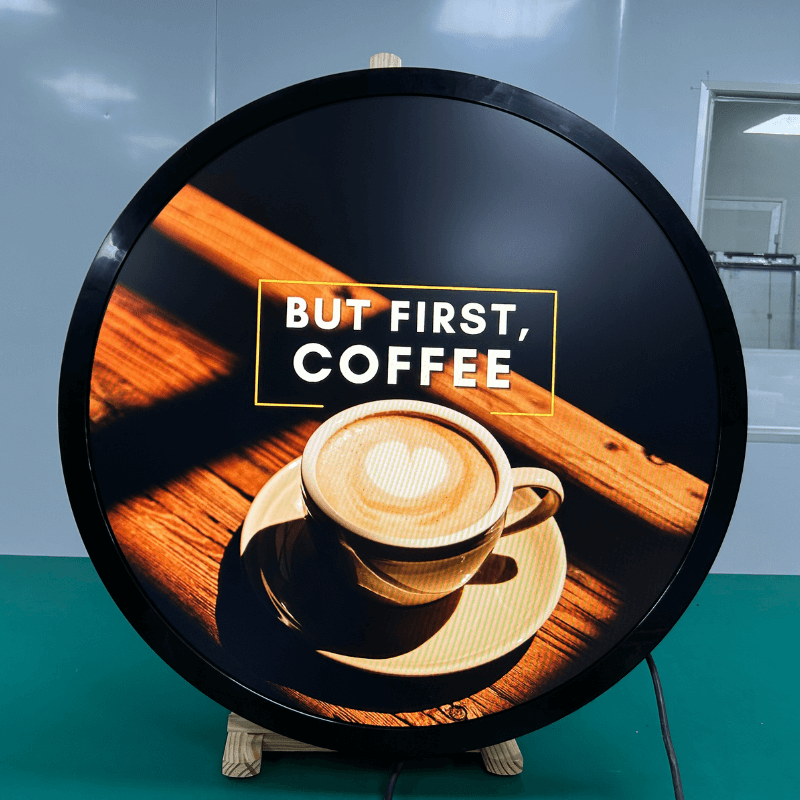
Creative projects may require custom-shaped screens with unique resolutions. Always confirm the resolution of the display before creating content to ensure it fits perfectly.
Here are some examples:
- Square Displays: Often with a 1:1 aspect ratio and resolutions like 1920 x 1920 pixels.
- Stretch Displays: Commonly with a 16:27 aspect ratio. Resolution varies, so it’s best to check with the manufacturer or installation team.
LCD Video Wall Matrix

Creating content for video walls can be more complex due to the variety of setups. Let’s examine a few common configurations:
- 3×2 Monitor Matrix: This setup has three monitors horizontally and two vertically. To calculate the ideal resolution, multiply the horizontal resolution by the number of columns and the vertical resolution by the number of rows.If each monitor is 1920 x 1080 pixels, the total resolution would be:
- Horizontal: 1920 x 3 = 5760 pixels
- Vertical: 1080 x 2 = 2160 pixels
- Thus, the total resolution for this setup is 5760 x 2160 pixels.
When working with video walls, there are two common scenarios:
- Scenario A: If the matrix is connected to a processor or computer that supports the full resolution, create content that matches this exact resolution and aspect ratio.
- Scenario B: If the video wall has a built-in looping mechanism (often called a “daisy chain”), it might take a Full HD or 4K input and distribute it across the matrix. In this case, create content in Full HD or 4K, and the system will adjust it as needed.
By following these guidelines, you can ensure your digital signage content is optimized for the right resolution and aspect ratio, leading to a more engaging and visually appealing display.