Digital Display Solutions with Multi-Screen Synchronisation: What Are My Choices?
Multi-screen synchronisation is one of those capabilities that sounds straightforward — multiple screens playing the same content at the same time — but covers a range of technically distinct requirements, each with different implementation approaches and different cost implications.
A buyer searching for “multi-screen sync” might be asking any of several different questions: How do I make a video wall display a single seamless image across multiple panels? How do I run the same content across fifty screens in different outlets simultaneously? How do I play a single piece of content across three screens in a row so it appears as one continuous image? How do I ensure all screens in a zone switch content at the same moment?
Each of these is a different technical requirement with a different solution. This guide clarifies the distinctions and covers the main options for each use case.
The Four Distinct Types of Multi-Screen Synchronisation
Type 1: Video Wall Synchronisation (Pixel-Perfect)
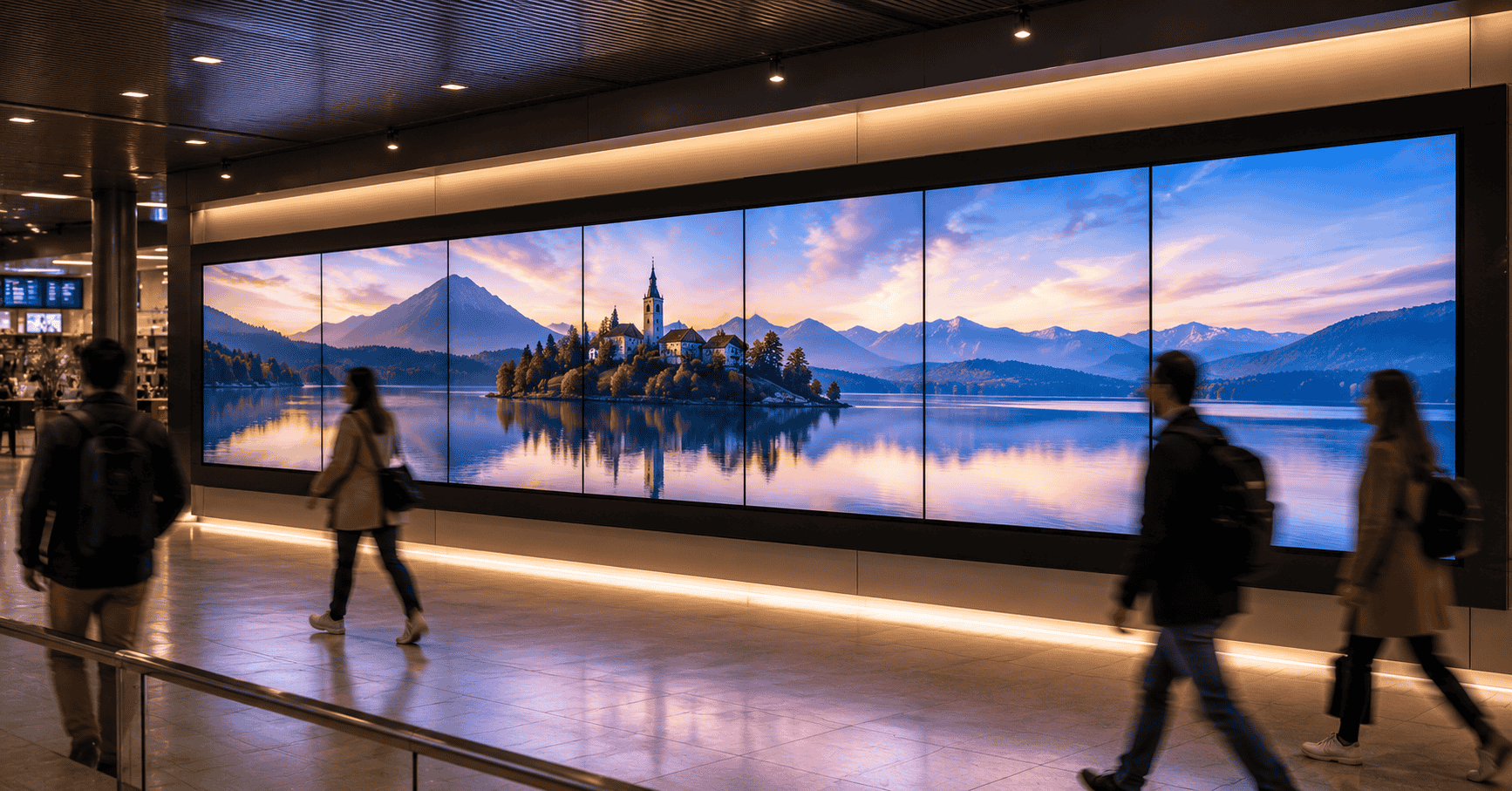
What it is: Multiple display panels — typically 4, 6, 9, or 16 — tiled together to form a single large canvas, with content rendered as one seamless image across the entire array. The individual panel bezels are the only visual interruption; the content itself flows continuously from one panel to the next with no offset, no lag, and no misalignment between frames.
The technical requirement: Pixel-perfect synchronisation requires a video wall controller — a dedicated hardware processor that takes a single content source and distributes it across multiple outputs, each precisely timed to eliminate any visible frame offset between panels. This is not something a standard media player or CMS can achieve reliably — consumer-grade devices that attempt to sync multiple HDMI outputs introduce perceptible lag between panels that breaks the seamless image.
Implementation approaches:
- Video wall controller hardware: The most reliable approach for permanent installations. Dedicated controllers from manufacturers such as Datapath, Matrox, or built-in controllers in video wall display systems process and distribute content with hardware-level timing precision. Content can be a live source (laptop, camera, video conferencing), a media player output, or a direct feed from a signage media server.
- Native video wall displays with built-in tiling: Some commercial display ranges include built-in video wall tiling software — a menu-based configuration that sets each display’s position in the array and handles the image division internally, without requiring a separate controller for standard content. This works well for pre-rendered video content; live source synchronisation typically still requires an external controller.
When you need it: Any permanent video wall installation where the content is designed as a single image across all panels. Corporate lobbies, retail feature walls, command centres, auditorium displays, large-format brand environments.
What it costs: Video wall controller hardware adds meaningful cost to a video wall installation — the controller is often as significant a line item as the display panels themselves. This is a non-negotiable cost for a genuine video wall; there is no low-cost workaround that achieves pixel-perfect synchronisation reliably.
Type 2: Content Synchronisation Across a Zone (Same Content, Same Moment)
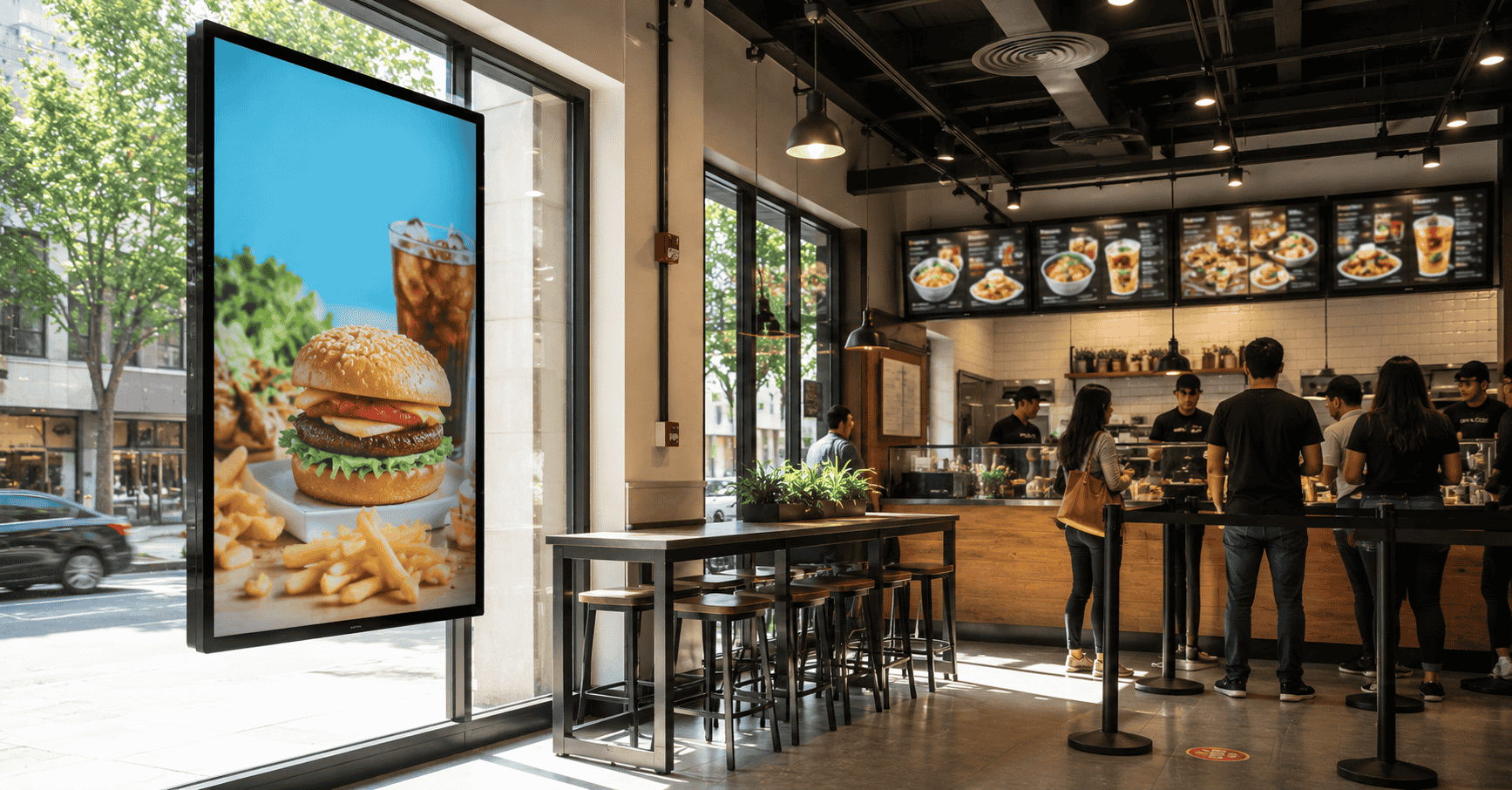
What it is: Multiple screens in a defined area — a retail corridor, a QSR outlet, an airport terminal — all switching content at the same moment, so a viewer moving through the space sees a consistent, unified message rather than screens at different points in their respective playlists.
The technical requirement: Zone-level content synchronisation does not require pixel-perfect frame timing — it requires that all screens in a group receive and execute a content switch at the same clock moment, within a tolerance that is not perceptible to a moving viewer (typically within one to two seconds).
Implementation approaches:
- CMS-level synchronised scheduling: A capable CMS that uses a shared network time reference can schedule content switches simultaneously across a screen group — all screens in Zone A switch to content B at 12:00:00, regardless of what each screen was previously showing. This is the standard approach for retail and QSR zone synchronisation and does not require additional hardware beyond the standard media players and network infrastructure.
- Group content assignment with forced sync: Some CMS platforms allow a “group publish” function that triggers an immediate content switch across a screen group, overriding individual screen schedules. Useful for time-sensitive communications — a flash sale, an emergency announcement — that need to appear simultaneously across all screens.
When you need it: Retail environments where a coherent campaign message across a corridor or floor matters. QSR outlets where all menu boards need to switch to a lunch menu at exactly 11:00 AM. Corporate campuses where an announcement needs to appear on all screens simultaneously.
What it costs: No additional hardware cost beyond a CMS that supports group scheduling with network time sync. This is a software capability — verify that the CMS being evaluated supports it, rather than assuming it’s included.
Type 3: Extended Desktop / Panoramic Content Across Adjacent Screens
What it is: Two or three screens placed in a row — not tiled as a video wall, but positioned adjacently — displaying content that is designed to read as a single wide image across the row. The difference from a video wall is that the screens are standard displays with standard bezels, not narrow-bezel video wall panels, and the content is designed to work with visible bezels as part of the composition rather than eliminating them.
The technical requirement: Less demanding than pixel-perfect video wall synchronisation. The content needs to be designed as a panoramic layout with each screen assigned its section, and the screens need to switch content simultaneously so the panoramic composition doesn’t break. A one-to-two second tolerance is generally acceptable.
Implementation approaches:
- Multi-output media player: A media player with multiple HDMI or DisplayPort outputs (2 or 3) can drive adjacent screens from a single device, with each output playing its designated section of the panoramic content. Content is pre-rendered as separate files per screen position and played simultaneously from the same device.
- Networked media players with CMS sync: Separate media players per screen, synchronised via CMS group scheduling as in Type 2 above. Less precise than a single multi-output player but workable for content with slower transitions.
When you need it: QSR counter installations where three menu board panels need to work as a unified menu layout. Retail feature displays where adjacent screens show a connected product story. Any installation where screens are in a row and the content benefit from flowing across them.
What it costs: Multi-output media players cost more than single-output units but eliminate the need for multiple synchronised devices. The content production cost — designing panoramic layouts rather than single-screen content — is the more significant consideration.
Type 4: Network-Wide Content Consistency (Same Content, All Outlets)
What it is: A chain or multi-outlet operation where all screens across the network — in different cities, different buildings, different outlets — are showing the same campaign content at the same time. Not frame-perfect synchronisation, but consistent content across the network within the same operational day or window.
The technical requirement: Standard CMS bulk content push with group assignment. This is the most common interpretation of “multi-screen synchronisation” in the QSR and retail context — and the most straightforward to implement with a capable CMS. The synchronisation here is at the campaign level, not the frame level.
Implementation approaches:
- CMS group publish: Content assigned to a network-wide group goes live simultaneously across all connected screens when published. Screens that are offline at publish time receive the update when connectivity is restored.
- Scheduled campaign activation: Content is pre-loaded to all screens in advance and set to activate at a specific date and time — useful for campaign launches that need to go live at midnight, or price changes that must take effect at a defined moment.
When you need it: Every multi-outlet chain. This is the operational baseline of network content management, not an advanced feature. Any CMS that doesn’t support this is not appropriate for multi-location deployments.
What it costs: No additional hardware cost. Included in any CMS platform designed for multi-location operation. If a vendor is quoting additional cost for this capability, it is not the right platform.
The Clarifying Questions Before Specifying
When a display deployment requirement includes “multi-screen synchronisation,” clarify which type is actually needed before specifying hardware or software:
“Does the content need to flow seamlessly across multiple panels as a single image?” If yes — Type 1 video wall synchronisation, requires a video wall controller.
“Do adjacent screens need to show connected but distinct sections of a panoramic layout?” If yes — Type 3 extended desktop, requires a multi-output media player or tightly synchronised CMS scheduling.
“Do all screens in a zone need to switch content at the same visible moment?” If yes — Type 2 zone synchronisation, requires a CMS with group scheduling and network time sync.
“Does the same content need to appear across all outlets at the same time?” If yes — Type 4 network-wide consistency, standard CMS group publish.
Many deployments require more than one of these — a retail chain (Type 4 network consistency) that also wants its in-store screens to switch content simultaneously (Type 2 zone sync) and has a video wall feature display (Type 1 pixel-perfect). The specification needs to address each requirement separately, because the technical solution for each is different.
Common Mistakes in Multi-Screen Synchronisation Deployments
Assuming a standard CMS handles video wall sync. It doesn’t. A CMS manages content scheduling across networked media players — it cannot achieve the sub-frame timing required for pixel-perfect video wall synchronisation without a dedicated controller. Vendors who imply otherwise are describing something that will visibly fail in a permanent installation.
Over-specifying synchronisation for use cases that don’t need it. A retail corridor where screens switch content within two seconds of each other is adequate for the communication requirement. Specifying video wall controller hardware for this use case adds cost without delivering visible benefit to the audience.
Not accounting for offline screens in sync scenarios. In a network-wide campaign activation, screens that are offline at the scheduled activation time will go live when connectivity is restored — potentially hours after the campaign launched elsewhere. This needs to be factored into the campaign plan, particularly for time-sensitive launches.
If you’re planning a deployment that requires any form of multi-screen synchronisation — video wall, zone sync, panoramic content, or network-wide campaign management — we’d be glad to clarify which technical approach fits your specific requirement and what it means for the hardware and software specification.
Get in touch: contact@techworksworld.com | +91-99109 65918 | techworksworld.com