Which Digital Display Solutions Provide the Highest Resolution and Brightness?
Resolution and brightness are the two specification numbers that appear most prominently in digital display product sheets, and the two that are most frequently misunderstood in procurement conversations.
The honest answer to “which display provides the highest resolution and brightness?” is: the one that’s appropriate for your specific application. A display with higher resolution than the viewing distance can resolve is wasted specification. A display with higher brightness than the ambient light environment requires is wasted energy expenditure. And a display optimised for maximum resolution and brightness in all cases is one that’s been over-specified for most of the situations it will actually be deployed in.
This guide explains what resolution and brightness actually mean for commercial display selection, which technologies lead on each dimension, and how to specify correctly for the environment rather than defaulting to “the highest available.”
Resolution: What It Actually Means in a Commercial Context
Resolution describes the number of pixels a display can render, typically expressed as a pixel count (1920×1080, 3840×2160) or a shorthand (Full HD, 4K UHD). Higher resolution means more pixels, which means finer detail, but only if the viewer is close enough to the screen to resolve that detail.
The human eye has a finite angular resolution. Beyond a certain viewing distance, additional pixels become indistinguishable, the image looks equally sharp whether the display is Full HD or 4K, because the viewer’s eyes cannot resolve the difference at that distance. This viewing distance threshold is the most important variable in resolution specification, and it’s the variable most commonly ignored in favour of the headline number.
The Viewing Distance Rule
A rough but practical guideline: for a standard commercial display, the minimum viewing distance at which 4K resolution provides a visible benefit over Full HD is approximately 1.5 to 2 times the screen height. For a 55-inch display (screen height approximately 68 cm), this means a viewing distance of roughly 1 to 1.4 metres. At greater distances, Full HD and 4K are visually indistinguishable.
Most commercial signage applications, a menu board viewed from a counter queue, a retail display viewed from an aisle, a lobby screen viewed from a reception area, involve viewing distances where Full HD resolution is fully adequate and 4K provides no perceptible improvement. The case for 4K in commercial signage is most compelling in close-viewing applications: interactive kiosks, counter-top displays, lift-and-learn installations, and any context where viewers are within one to two metres of the screen.
Resolution by Display Technology
Commercial LCD displays are available in Full HD (1920×1080) as standard across most commercial sizes, with 4K (3840×2160) available at larger sizes (55 inches and above) at a premium. For most indoor commercial signage applications at standard viewing distances, Full HD commercial LCD is the correct specification.
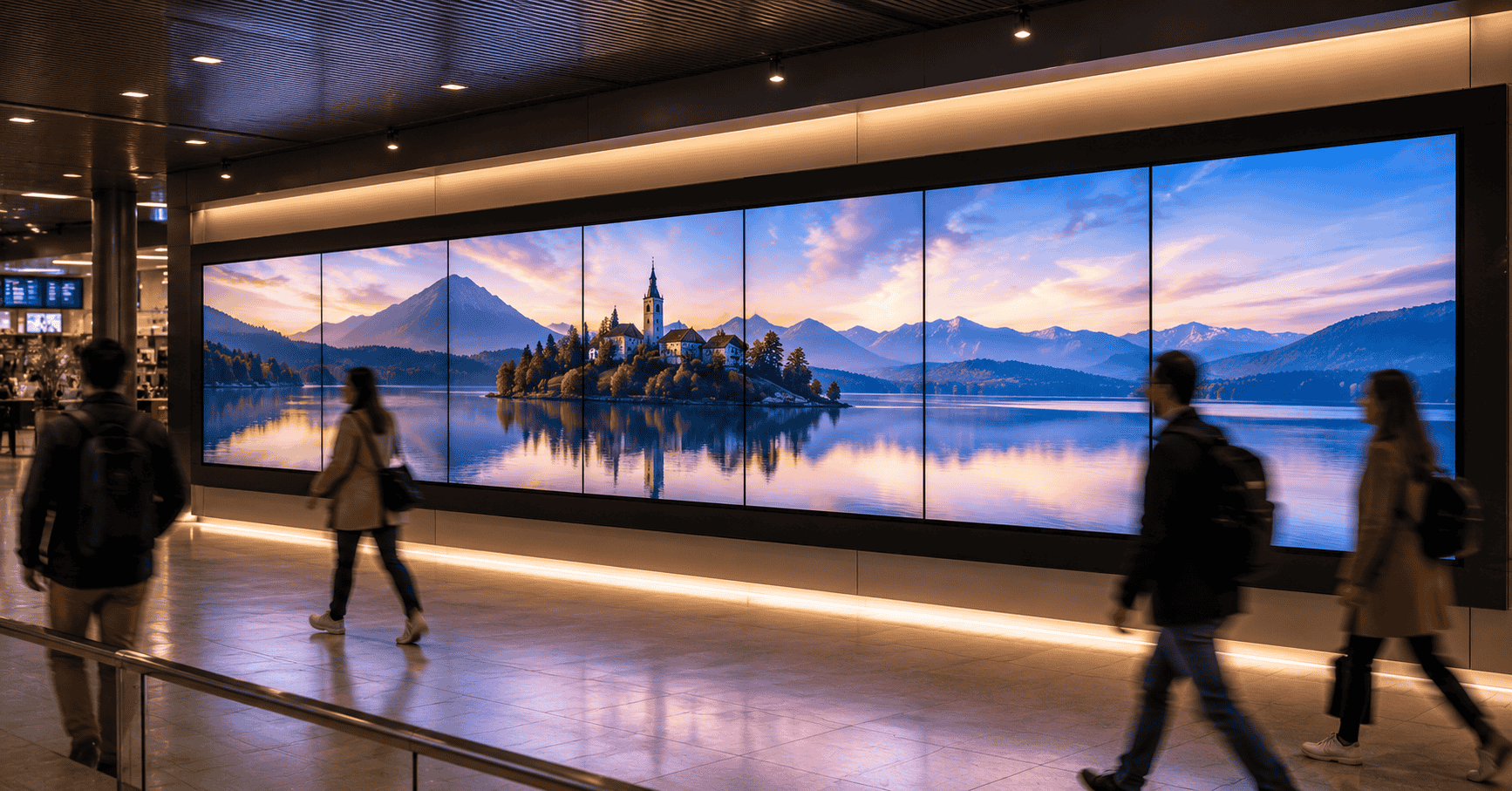
Direct-view LED video walls use pixel pitch rather than resolution as the primary specification. Pixel pitch describes the distance between LED clusters, a finer pitch means more LEDs per square metre, which means higher effective resolution. Fine-pitch LED (below 2mm pixel pitch) is used for close-range video wall applications in corporate environments and broadcast studios. Coarser pitch (4mm to 10mm) is used for large-format displays at greater viewing distances. The resolution of a direct-view LED wall is therefore a function of the pitch specification and the total screen area, not a fixed number.
Transparent LED displays have inherently lower resolution than solid LED or LCD panels of equivalent size, because the open space between LED clusters is part of the design. Transparent LED is specified by pitch and transparency percentage rather than by pixel count, and is not appropriate for close-range, high-resolution content requirements.
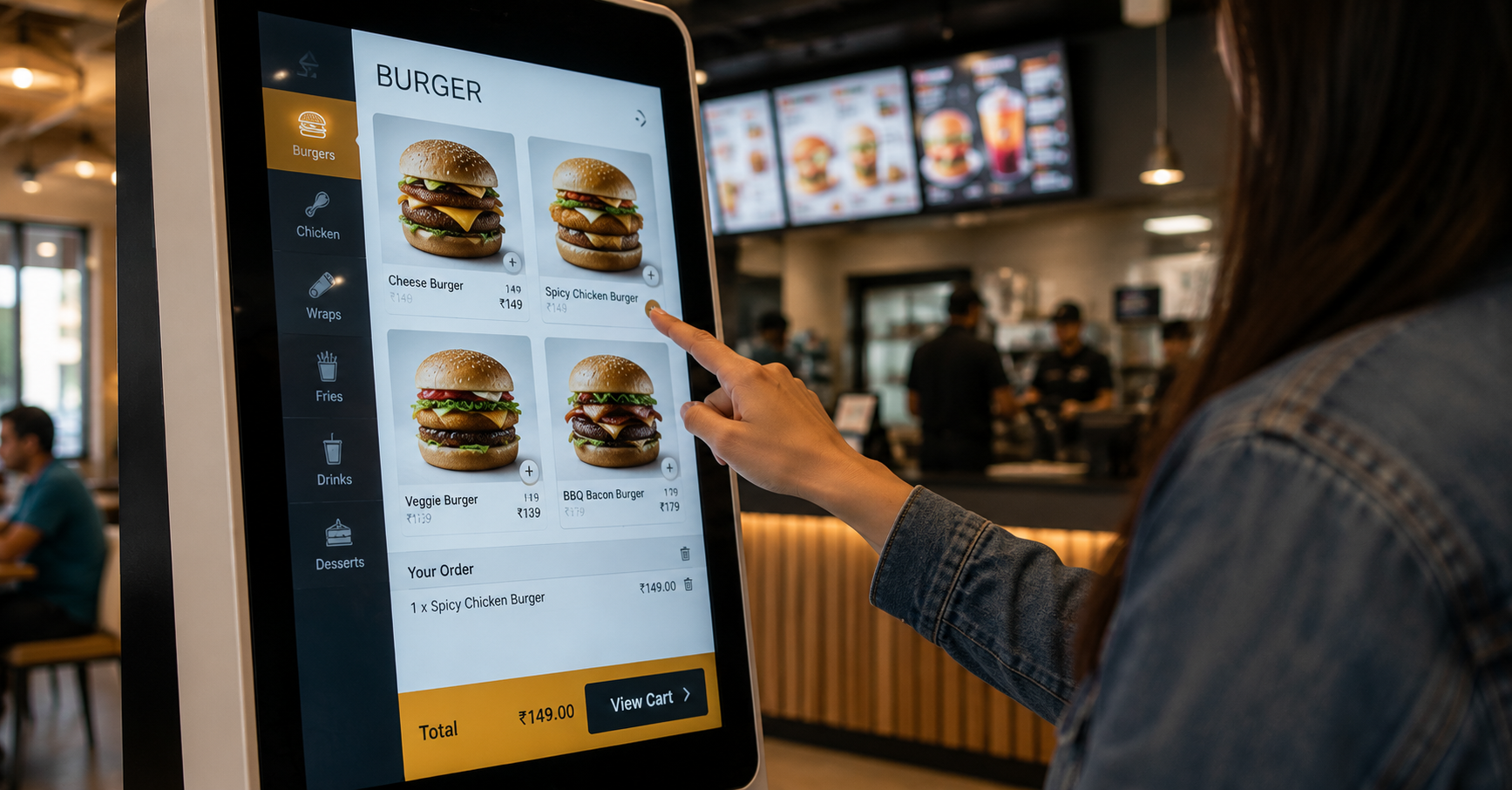
Interactive kiosk displays typically use commercial LCD panels at Full HD or 4K. For kiosk applications where content includes detailed product photography, fine text, or interactive UI elements, 4K is more justified than in large-format remote-viewing applications, because the viewing distance is one metre or less.
Brightness: What It Actually Means in a Commercial Context
Brightness is measured in nits (candelas per square metre, cd/m²) and describes the luminous intensity of the display surface. Higher brightness means the display remains legible in higher ambient light conditions.
The ambient light level of the installation environment is the primary determinant of the required brightness specification. A display in a dimly lit museum gallery needs far less brightness than one in a sunlit shopfront window. Specifying higher brightness than the environment requires costs more, both in hardware and in ongoing energy consumption, without delivering visible benefit to the audience.
Brightness by Environment
Indoor, controlled ambient light (offices, cinemas, dimly lit retail): 300 to 500 nits is typically sufficient. Most standard commercial displays fall in this range.
Indoor, moderately lit (standard retail, QSR, corporate lobbies with natural light): 500 to 700 nits. The most common specification range for general commercial indoor signage.
Indoor, high ambient light (large windows, near skylights, bright showrooms): 700 to 1,500 nits. Some retail and QSR environments with significant natural light ingress require higher brightness to maintain legibility.
Semi-outdoor and covered outdoor (petrol station canopies, airport covered walkways, stadium concourses): 1,500 to 2,500 nits. Environments exposed to reflected or indirect natural light without direct sun require significantly higher brightness.
Direct outdoor, full sun exposure: 2,500 to 5,000+ nits. Direct sunlight viewing requires the highest brightness specifications, available in purpose-built outdoor commercial displays. Standard indoor displays do not function adequately outdoors even at their maximum brightness setting.
Brightness by Display Technology
Commercial LCD with LED backlighting covers a wide brightness range, from standard indoor models at 350 to 500 nits up to high-brightness models at 2,500 to 3,500 nits for semi-outdoor and covered outdoor applications. The brightness range of commercial LCD is sufficient for most indoor and covered outdoor commercial signage applications.
Direct-view LED can achieve very high brightness levels, outdoor LED billboards commonly operate at 5,000 to 8,000 nits. For outdoor and high-ambient-light applications where LCD brightness is insufficient, direct-view LED is the technology of choice. Fine-pitch indoor LED panels typically operate at lower brightness (800 to 1,500 nits), sufficient for corporate and high-end retail environments.
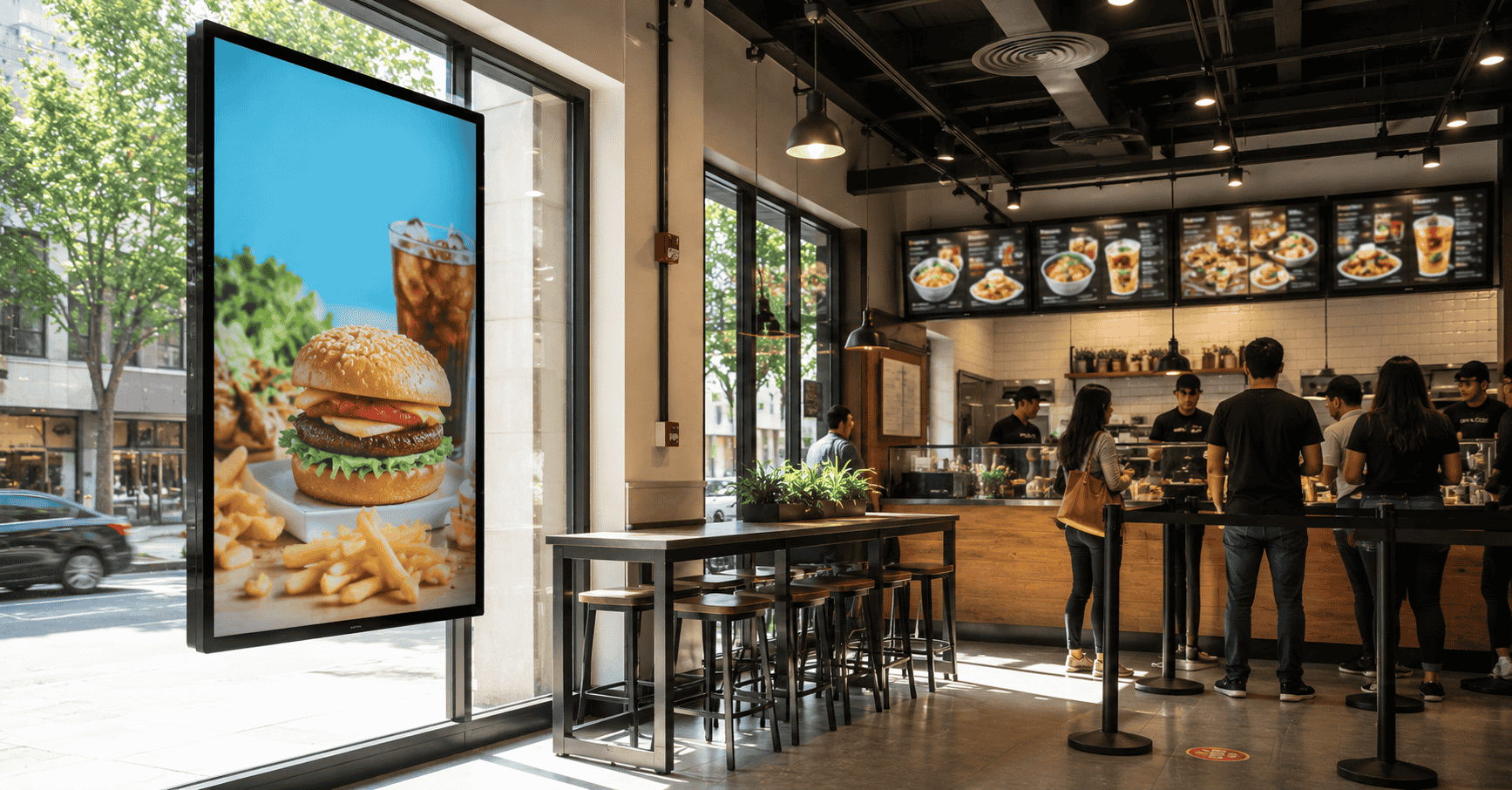
Transparent LED brightness varies significantly by product. Indoor transparent LED panels for retail windows typically operate at 1,000 to 3,000 nits, adequate for street-facing shopfront applications in most urban lighting conditions, but requiring careful specification review for very bright or south-facing locations with extended direct sun exposure.
The Specifications That Actually Matter by Application
Rather than specifying the highest available resolution and brightness, match the specification to the application:
| Application | Recommended Resolution | Recommended Brightness |
|---|---|---|
| Indoor QSR menu board (3m+ viewing) | Full HD | 500–700 nits |
| Retail floor display (2m+ viewing) | Full HD | 500–700 nits |
| Interactive kiosk (under 1m viewing) | 4K | 400–600 nits |
| Corporate lobby video wall (5m+ viewing) | Full HD per panel | 500–700 nits |
| Retail shopfront window (transparent LED) | Pitch-dependent | 1,500–2,500 nits |
| Semi-outdoor canopy display | Full HD | 1,500–2,500 nits |
| Direct outdoor (full sun) | Pitch-dependent LED | 3,000–5,000+ nits |
| Counter-top display (under 1m viewing) | Full HD or 4K | 300–400 nits |
The Common Over-Specification Mistakes
Specifying 4K for large-format displays at standard viewing distances. At five metres, a 4K video wall and a Full HD video wall look identical to the human eye. The 4K specification adds hardware cost without delivering visible improvement. Over-specifying resolution at scale adds meaningful cost for zero audience benefit.
Specifying maximum brightness for all indoor applications. A 2,500-nit display in a standard indoor retail environment looks excessively bright, causes unnecessary glare for customers and staff, and consumes significantly more energy than a correctly-specified 600-nit display. Brightness is not a quality indicator, it’s an environmental specification.
Not accounting for directional sun exposure. A retail shopfront window that is east-facing and shaded by the afternoon will have very different brightness requirements than a west-facing window with three hours of direct afternoon sun. Brightness specification needs to reflect the worst-case lighting condition at the installation location, not an average, and not an assumption.
Assuming consumer 4K TVs deliver commercial 4K quality. Consumer 4K televisions are not rated for extended commercial operation, and their brightness specifications are typically measured under ideal conditions that don’t reflect real-world ambient light. Commercial displays are specified more conservatively and more consistently, the brightness rating on a commercial display reflects its actual sustained operating brightness, not a peak figure.
The Right Way to Specify
For any display procurement where resolution and brightness are part of the brief:
- Determine the primary viewing distance for the application
- Calculate the minimum screen height-to-distance ratio to assess whether 4K resolution is perceptible
- Assess the ambient light conditions of the installation location, ideally with a lux meter at the screen position, at the brightest time of day
- Specify resolution and brightness to match the viewing conditions, not to a round number or a maximum
- If in doubt, ask the vendor for a site assessment before specifying, the correct specification is environmental, not universal
If you’re specifying display hardware for a new deployment and want to work through the correct resolution and brightness specification for your specific installation locations, we’d be glad to conduct a site assessment and provide recommendations grounded in the actual conditions of each space.
Get in touch: contact@techworksworld.com | +91-99109 65918 | techworksworld.com