Recommendations for Digital Display Solutions That Support Touchscreen Capabilities
Touchscreen capability is one of those features that sounds straightforward until you start specifying it. A buyer who asks “which displays support touch?” is often asking a more specific question they haven’t yet fully articulated, one that depends on what the touch interaction is supposed to do, in what environment, for what audience, and how reliably it needs to work.
The range of touchscreen display solutions in the commercial market spans from a small interactive kiosk in a retail environment to a large-format interactive video wall in a corporate meeting room to a lift-and-learn display at a product fixture. Each of these is a touchscreen application, but the technology, the specification, and the implementation approach are different in each case.
This guide covers the main touchscreen display formats available for commercial deployments, what each is suited for, and the considerations that determine whether a touch deployment works reliably in practice.
The Touchscreen Technologies Worth Understanding
Before specifying a touchscreen display, it helps to understand the two main touch technologies used in commercial applications and what each means for real-world use.
Projected Capacitive Touch (PCAP)
The same technology used in smartphones and tablets. A layer of conductive material behind the display glass detects the electrical field of a finger, allowing multi-touch gesture recognition, pinch, swipe, rotate, with high precision and fast response.
Advantages: Excellent touch accuracy and responsiveness. Supports multi-touch (multiple simultaneous touch points). Glass surface is durable and easy to clean. Works through thin protective overlays.
Limitations: Requires skin contact or a conductive stylus, does not work with gloved hands (a significant limitation in healthcare and industrial environments). Susceptible to false triggers from water droplets or cleaning fluid on the screen surface. Available in larger commercial sizes (up to 98 inches) but at higher cost than infrared at equivalent sizes.
Best for: Interactive kiosks in retail and hospitality, self-order terminals, interactive directories, corporate meeting room displays, museum kiosks, any close-contact interactive application in a dry, non-industrial environment.
Infrared Touch (IR)
A grid of infrared LEDs and sensors around the bezel of the display detects interruptions in the IR beam, when a finger, stylus, or any opaque object breaks the beam, the touch position is registered.
Advantages: Works with gloves, styluses, and any object that interrupts the beam, broader input flexibility than PCAP. Available at very large sizes (up to 98 inches and beyond) at lower cost than PCAP. No special glass or coating required, can be applied to standard commercial displays.
Limitations: Lower touch accuracy than PCAP at the same size, acceptable for navigation and selection, less suitable for precise handwriting or fine gesture work. Susceptible to interference from bright ambient light (particularly direct sunlight), which can generate false touches. Bezel-mounted sensors add depth to the display profile. Not reliable when the touch surface is wet.
Best for: Large-format interactive displays in corporate meeting rooms and collaboration spaces, wayfinding kiosks where glove or stylus use may be needed, educational interactive displays, any large-format touch application where the size constraint makes PCAP impractical or cost-prohibitive.
The Commercial Touchscreen Display Formats
Interactive Kiosks
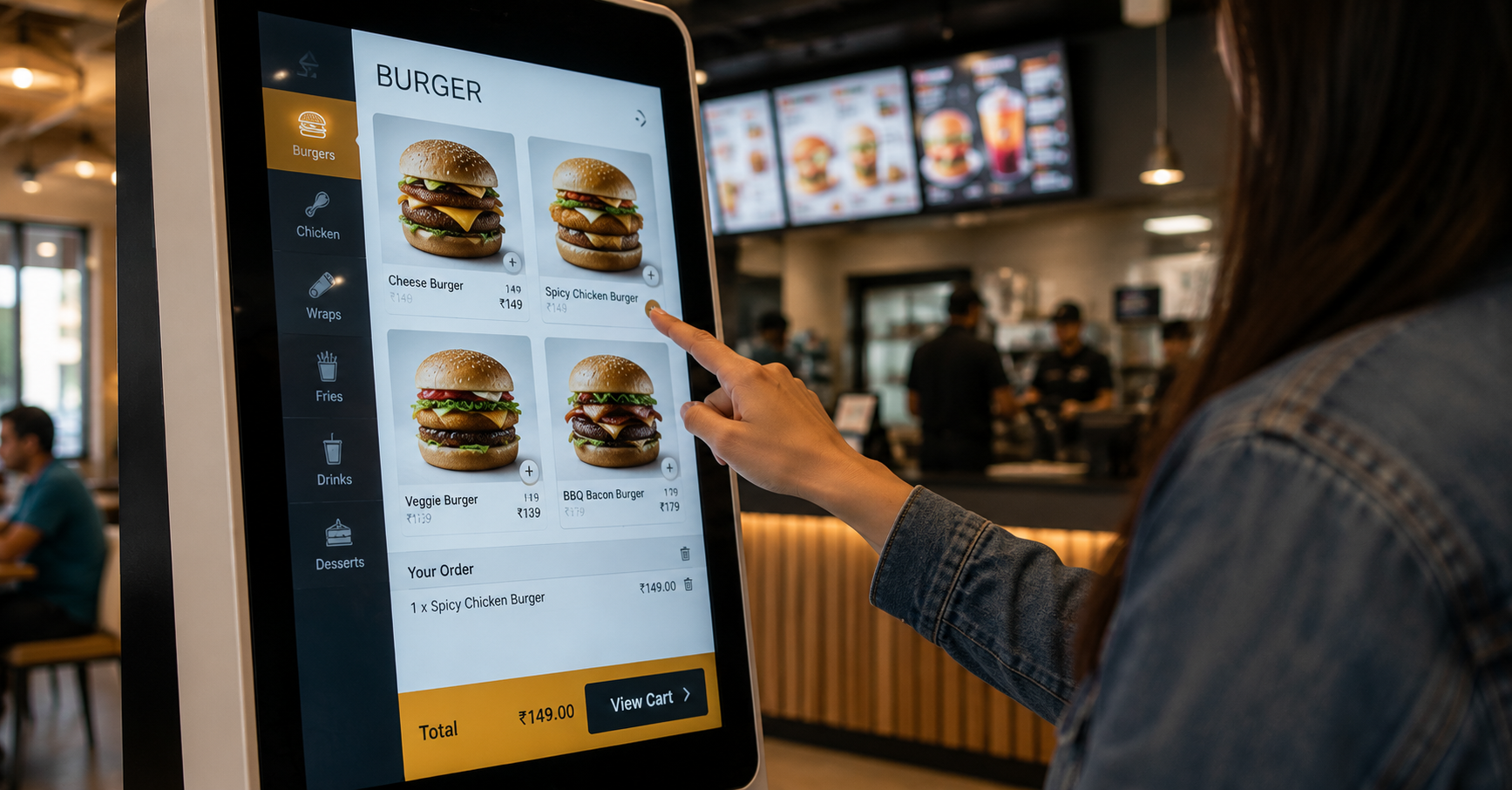
The most common touchscreen deployment in commercial environments. A freestanding or wall-mounted display, typically 21 to 43 inches for standard kiosk applications, with a PCAP touch overlay and a purpose-built enclosure that protects the electronics and presents a clean, professional interface to the user.
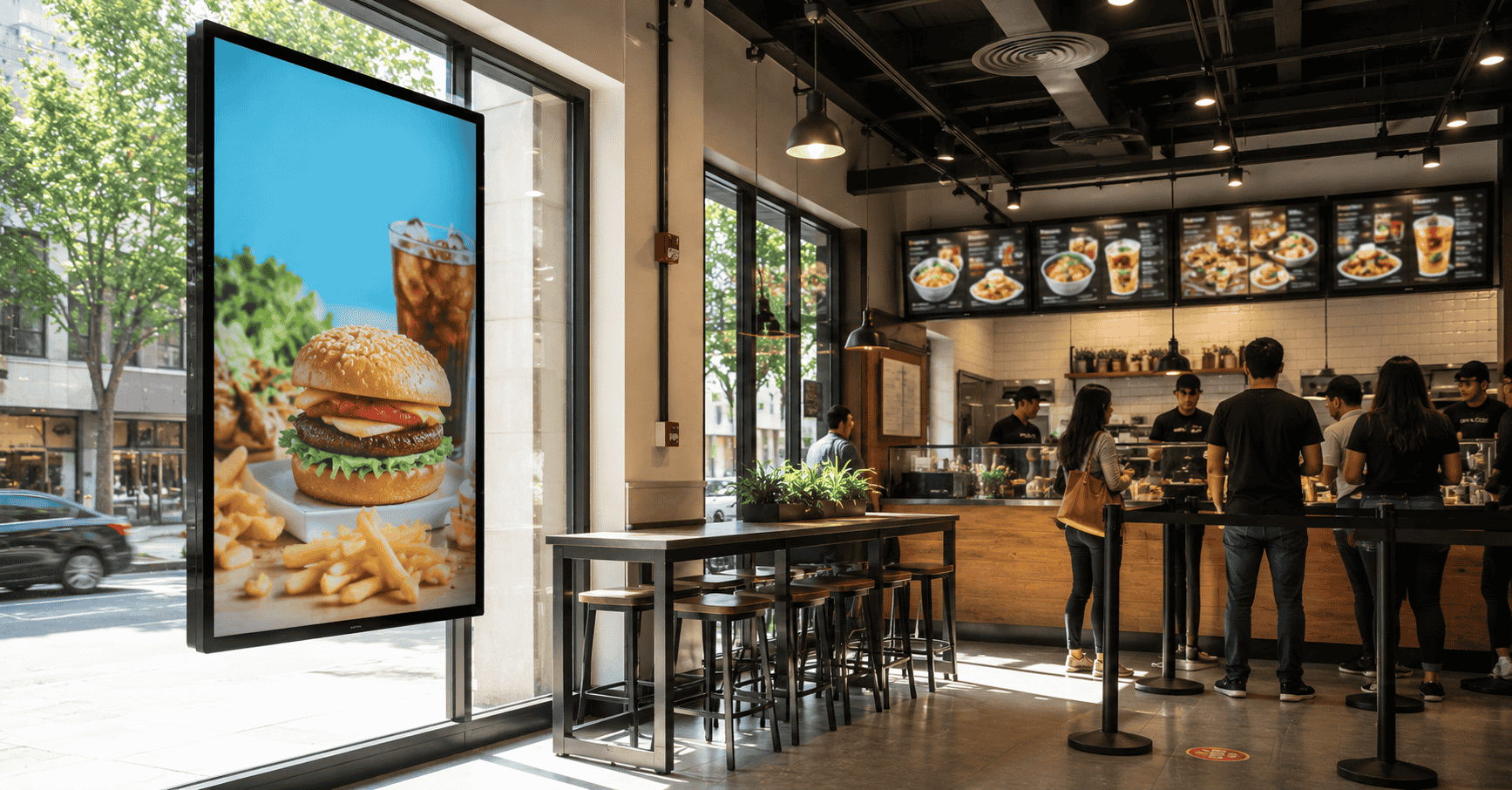
What they’re used for: Self-order terminals in QSR, wayfinding and directory kiosks in healthcare and corporate environments, product information kiosks in retail, check-in and registration kiosks in hospitality and healthcare, ticketing and information terminals in cultural institutions.
Specification considerations:
- Enclosure design: The kiosk enclosure needs to be specified for the environment, indoor retail enclosures are different from outdoor-rated enclosures for exposed public spaces. Ventilation, cable management, and component accessibility for maintenance need to be built into the enclosure design, not retrofitted.
- Touch zone height: A kiosk screen positioned at the right height for an adult standing user may be inaccessible to a wheelchair user or a child. Accessibility standards and the likely user demographic both need to inform screen height specification.
- Peripheral integration: Self-order kiosks often need payment terminals, receipt printers, and barcode scanners integrated into the same unit. The enclosure specification needs to accommodate all peripherals, not just the display.
- Durability: Public-facing kiosks in high-footfall environments are subject to heavy use, occasional impact, and attempted vandalism. Toughened glass fronts, robust enclosures, and commercial-grade components, not consumer touchscreens repurposed in a housing, are the appropriate specification.
Best for: QSR self-order, retail product information, healthcare check-in, museum interpretation, corporate directory, hospitality concierge terminals.
Large-Format Interactive Displays (Interactive Flat Panels)
Commercial-grade large-format displays, typically 65 to 98 inches, with built-in PCAP or IR touch capability, designed for collaborative or presentational use in meeting rooms, training spaces, and public information environments.
What they’re used for: Corporate meeting rooms and huddle spaces (replacing whiteboards and projectors), training and education environments, interactive product demonstrations in retail showrooms, public information displays in high-footfall locations.
Specification considerations:
- Multi-touch point count: For collaborative use, multiple people writing or drawing simultaneously, the number of simultaneous touch points matters. Most commercial interactive flat panels support 10 to 40 simultaneous touch points; collaborative use cases benefit from the higher end of this range.
- Built-in vs. add-on touch: Some large-format displays have touch capability built into the panel; others use an IR frame overlay added to a standard commercial display. Built-in touch systems are typically more reliable and better integrated; IR overlays are a cost-effective retrofit option but add bezel depth and require calibration.
- Software ecosystem: Large-format interactive displays for meeting rooms often come with built-in collaboration software (whiteboard, screen sharing, video conferencing integration). The compatibility of this software with the organisation’s existing tools (Microsoft Teams, Google Workspace, Zoom) needs to be verified before specifying.
- Operating system: Some commercial interactive displays run Android, others Windows, others a proprietary OS. The application that needs to run on the display (a custom kiosk application, a collaboration platform, a CMS player) may have OS dependencies that constrain the hardware choice.
Best for: Corporate meeting rooms and collaboration spaces, training centres, retail showrooms with interactive product demonstrations, public information environments.
Lift-and-Learn and Interactive Shelf Displays
Smaller-format touchscreen or sensor-triggered displays integrated into retail fixtures, shelf edges, display cases, or product stands, that respond to physical interaction with products rather than (or in addition to) screen touch.
What they’re used for: Product education at the shelf, a sensor detects when a product is picked up and triggers content on a nearby display. In some implementations, the display itself is touchscreen, allowing the customer to navigate further product information, comparisons, or usage demonstrations.
Specification considerations:
- Sensor integration: Lift-and-learn deployments require RFID, weight, or proximity sensors in addition to the display, the sensor triggers the content, not a touch on the screen. The display specification and the sensor specification need to be scoped together.
- Content for close-range interaction: The display in a lift-and-learn application is viewed from very close range, typically 30 to 60 centimetres. Content needs to be designed for this viewing distance: large, clear graphics, minimal text, high contrast.
- Fixture integration: The display needs to integrate into the retail fixture aesthetically and structurally, not look like a screen bolted onto a shelf. This requires coordination between the display installation and the fixture design.
Best for: Skincare and beauty retail, consumer electronics accessories, premium food and beverage, health and wellness products, any category where product education at the shelf influences purchase confidence.
Outdoor and Semi-Outdoor Touchscreen Displays
Touchscreen displays rated for outdoor or semi-outdoor operation, fully weatherproofed enclosures, high-brightness displays, and touch technologies suited to operation in variable temperature, humidity, and ambient light conditions.
What they’re used for: Outdoor information kiosks, transit information terminals, outdoor wayfinding in campus or public space environments, petrol station payment terminals.
Specification considerations:
- Weatherproofing: Enclosures need appropriate IP ratings for the exposure level, IP65 (dust-tight, protected against water jets) is the minimum for outdoor exposed installations.
- Brightness: Outdoor touchscreen displays require high-brightness panels, typically 2,500 nits or above, to remain legible in direct sunlight.
- Touch technology in wet conditions: Neither PCAP nor IR performs reliably when the touch surface is wet. Purpose-built outdoor touchscreen displays use modified PCAP implementations or alternative touch technologies that manage water on the screen surface. This is worth specifically verifying for any outdoor installation in a climate with significant rainfall.
- Temperature range: Commercial outdoor displays need to operate across the full temperature range of the installation location, including peak summer temperatures in Indian outdoor environments that can exceed 45°C.
Best for: Campus wayfinding kiosks, transit information terminals, outdoor retail and hospitality environments, public space information points.
The Reliability Considerations That Matter Most
Touchscreen deployments in commercial environments fail more often from reliability issues than from capability gaps. The questions worth asking before specifying:
“How is the touch surface cleaned, and does the cleaning method affect touch performance?” In QSR and healthcare environments, screens are cleaned frequently with disinfectants. Some touch overlays degrade with repeated chemical cleaning. Verify the cleaning protocol compatibility with the touch technology specified.
“What is the touch system’s performance in the ambient light conditions of this installation?” IR touch systems near south-facing windows with afternoon sun can generate false touches from light interference. PCAP systems near food preparation areas may trigger falsely from water or grease on the screen. The ambient conditions of the specific installation location need to be part of the touch technology evaluation.
“Is the software application designed for touch, or is it a mouse-optimised interface running on a touch display?” A standard web interface or desktop application running on a touchscreen kiosk will perform poorly, touch targets too small, interactions designed for mouse precision that doesn’t translate to finger interaction. Custom or touch-optimised application design is not optional for a reliable kiosk deployment.
“What is the maintenance access plan when a touch overlay fails?” Touch overlays have finite lifespans in high-use environments and will eventually need replacement. The ability to replace a touch overlay without replacing the entire display unit affects the long-term cost of a touchscreen deployment.
The Configuration That Works by Application
QSR self-order kiosk: Floor-standing enclosure, 21 to 32 inch PCAP display, integrated payment terminal and receipt printer, Android or Windows OS, POS-integrated kiosk software.
Corporate meeting room interactive display: 75 to 86 inch interactive flat panel, built-in PCAP touch, Windows OS with Teams or Zoom Rooms integration, wall-mounted with cable management.
Retail lift-and-learn: 15 to 21 inch display at fixture height, RFID or weight sensor integration, custom product content triggered by product pick-up, managed via CMS.
Museum interactive kiosk: 32 to 43 inch PCAP kiosk in custom enclosure, multilingual touch interface, content managed via CMS with curatorial approval workflow, vandal-resistant glass front.
Campus outdoor wayfinding kiosk: IP65-rated outdoor enclosure, high-brightness PCAP display (2,500+ nits), searchable directory application, stainless steel or powder-coated housing rated for outdoor exposure.
If you’re planning a touchscreen display deployment and want to understand which technology, format, and specification is right for your specific application and environment, we’d be glad to walk through it, including application design considerations and a site assessment where relevant.
Get in touch: contact@techworksworld.com | +91-99109 65918 | techworksworld.com