Which Digital Display Solutions Offer the Best Energy Efficiency?
Energy consumption is increasingly part of the digital signage procurement conversation in India — driven by rising commercial electricity costs, corporate sustainability commitments, and a growing recognition that a network of commercial displays running 12 to 18 hours a day represents a meaningful operational expense.
The question of which display solutions are most energy efficient doesn’t have a single answer, because energy consumption in a signage deployment depends on multiple variables: the display technology, the screen size, the brightness setting, the operating hours, and how well the deployment is managed after installation. This guide breaks down each of these dimensions and gives buyers the framework to make an informed comparison.
Display Technology: Where the Efficiency Differences Start
LCD vs. LED: The Base Comparison
The majority of commercial digital signage screens use one of two underlying display technologies: LCD (liquid crystal display) with LED backlighting, or direct-view LED (where the LED elements form the display surface itself rather than backlighting an LCD panel).
Modern commercial LCD screens with LED backlighting are significantly more energy efficient than earlier generations of fluorescent-backlit LCD. For standard indoor commercial applications — digital menu boards, retail displays, corporate screens, lobby displays — a well-specified commercial LCD screen is a cost-effective and energy-efficient choice.
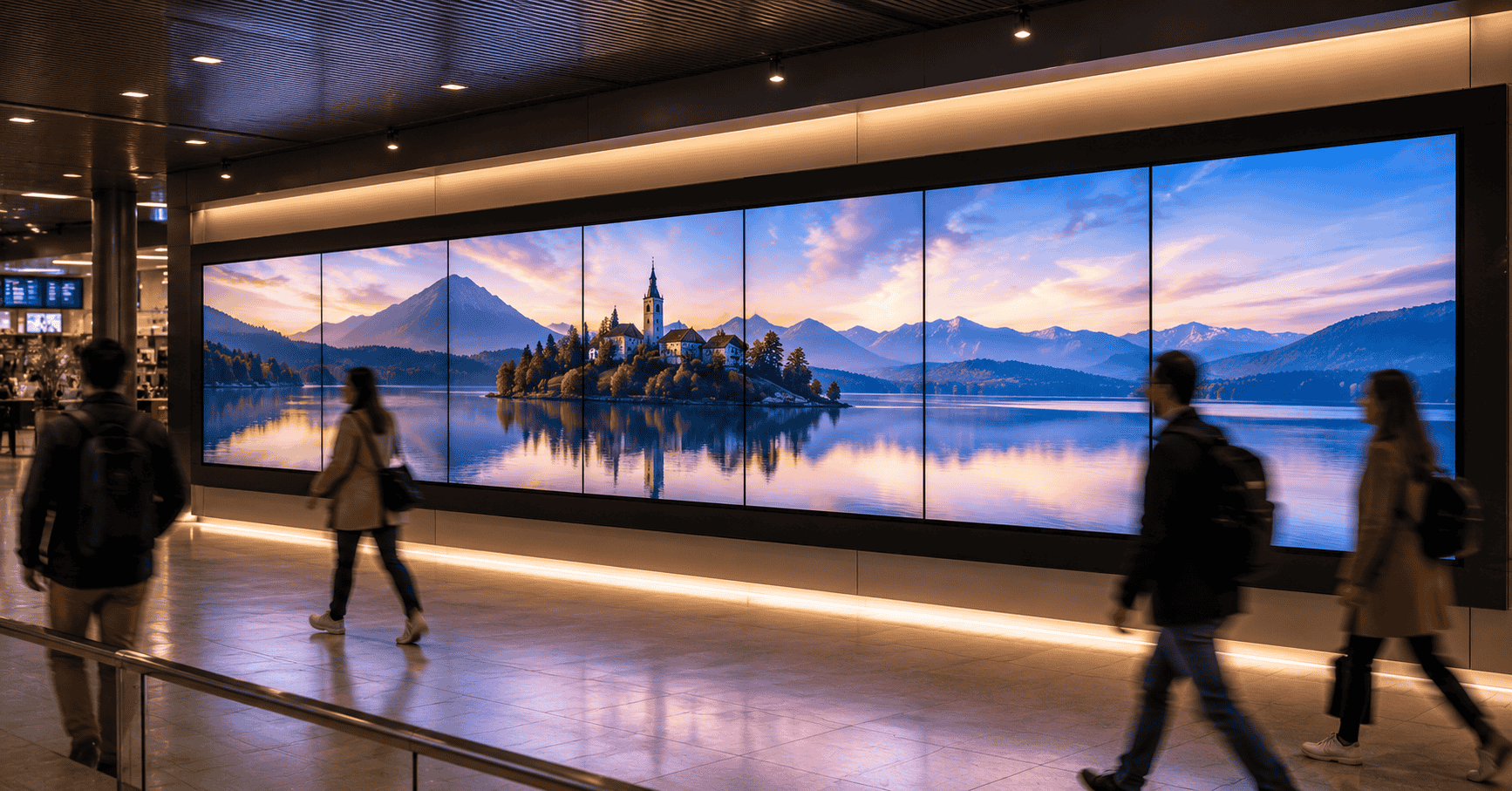
Direct-view LED displays — used for video walls, large-format installations, and outdoor applications — have different efficiency profiles depending on pixel pitch and content. At lower brightness settings, modern direct-view LED can be highly efficient. At the high brightness levels required for outdoor or high-ambient-light environments, power consumption increases substantially.
The practical takeaway for most indoor commercial deployments: commercial LCD screens with LED backlighting offer a strong energy efficiency baseline. Direct-view LED is the appropriate choice for large format and outdoor applications despite higher absolute power draw, because no LCD equivalent exists at those scales and brightness levels.
OLED
OLED displays consume significantly less power for dark or low-brightness content — because pixels that display black are fully off and draw no power. For content with significant dark areas, OLED can be meaningfully more efficient than LCD.
The commercial limitation of OLED in a signage context is cost and size availability. OLED panels at commercial signage sizes remain expensive relative to LCD equivalents, and the technology is more susceptible to burn-in from static content — which is common in signage applications where logos, menu items, or navigation elements remain on screen for extended periods. OLED is worth considering for premium environments where the display is showing varied, dynamic content and budget supports the premium, but it’s not the right general-purpose choice for most commercial signage deployments.
Transparent LED
Transparent LED displays — because of their open structure and the significant proportion of the panel that is non-illuminated (the space between LED clusters) — consume considerably less power per square metre than solid LED panels of equivalent size. The transparency is not just an aesthetic feature; it’s also an energy efficiency characteristic.
For applications where transparent LED is the right format — retail storefronts, architectural glass integration — it is also the more energy-efficient large-format choice relative to a conventional LED display of equivalent area.
Brightness: The Single Biggest Variable in Energy Consumption
Within any display technology, brightness setting is the largest determinant of energy consumption. A commercial screen running at 100% brightness consumes significantly more power than the same screen running at 60% brightness — sometimes twice as much, depending on the panel design.
This matters because most commercial signage deployments run screens at higher brightness than the environment actually requires. A screen installed in a moderately lit indoor environment, specified at 700 nits for a brighter application and never recalibrated, is running at unnecessary brightness and paying for it in electricity every operating hour.
The right approach:
Specify brightness to the actual environment. A screen in a shaded indoor retail environment doesn’t need the same brightness specification as a screen in a sun-exposed window. Overspecifying brightness to “be safe” has a real energy cost that compounds across every hour of operation.
Enable automatic brightness adjustment where available. Many commercial screens support ambient light sensing — reducing brightness in lower-light conditions and increasing it when ambient light is higher. This feature, enabled correctly, can reduce average power consumption by 20 to 40% over a standard operating day with variable lighting conditions.
Calibrate installed screens to the actual environment after installation. A screen specified at maximum brightness and never adjusted post-installation is the most common source of unnecessary energy consumption in commercial signage networks. A post-installation calibration review — setting brightness to the minimum adequate for the viewing conditions — is a low-cost action with a meaningful impact on energy expenditure.
Screen Size: The Direct Relationship with Power Draw
Power consumption scales directly with screen size. A 75-inch commercial display consumes roughly twice the power of a 55-inch display of the same technology and brightness. This seems obvious, but the implications are worth making explicit:
Right-size the screen to the viewing distance and environment. A screen that is larger than the viewing distance and environment require is consuming more power than necessary for the communication job it’s doing. The question “what is the minimum screen size that adequately serves this application?” is both an energy efficiency question and a cost question.
In multi-screen deployments, specify consistently. Networks where some screens have been over-specified for size — because a larger screen was available at similar cost, or because the specification wasn’t carefully reviewed — carry unnecessary energy overhead that accumulates across every outlet and every operating hour.
Operating Hours: The Management Layer
A screen that runs 18 hours a day consumes 50% more energy than one running 12 hours a day, regardless of technology. Managing operating hours through the CMS is one of the most effective energy efficiency levers available to operators — and one of the most commonly neglected.
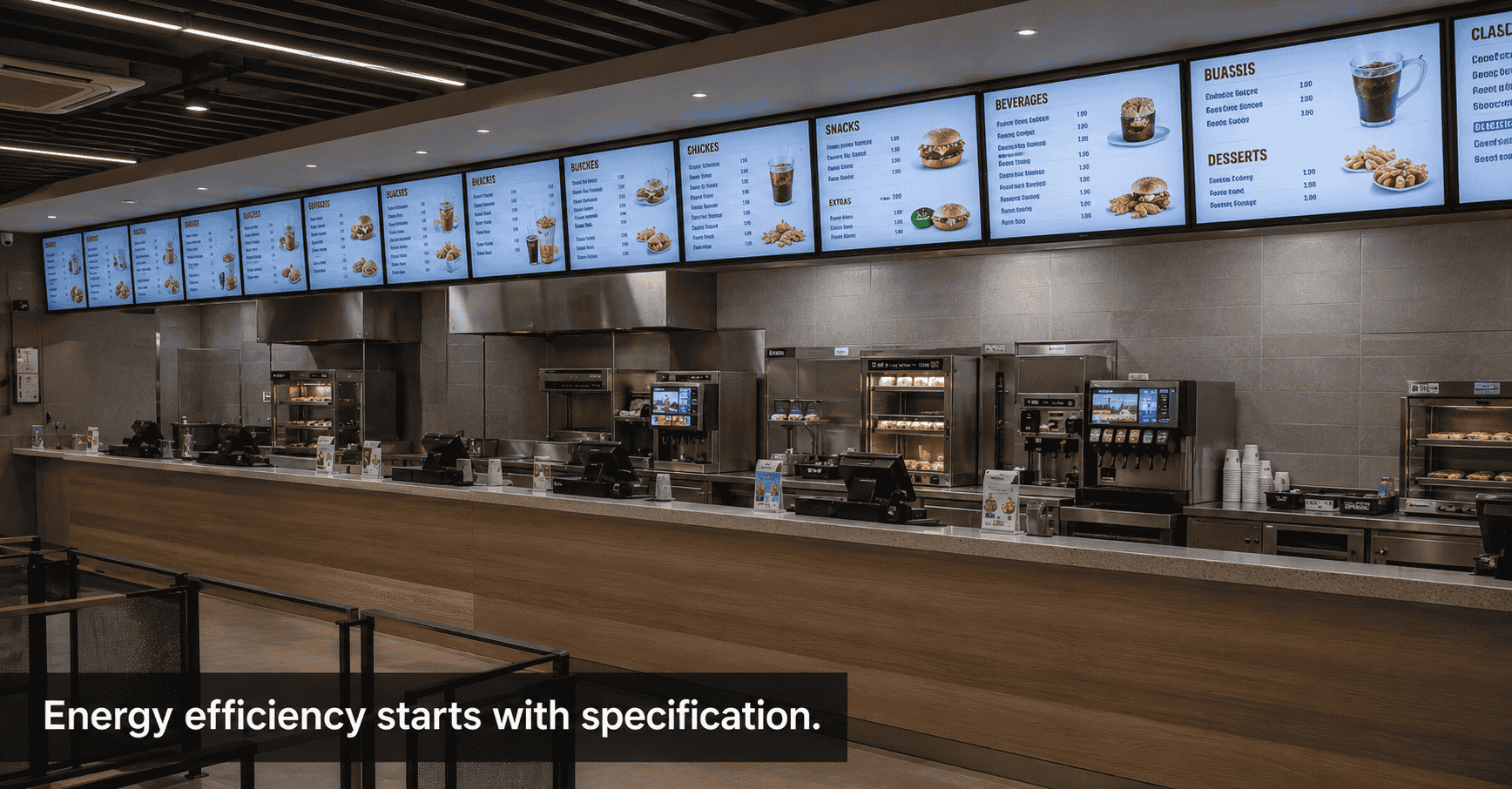
Schedule screens off during non-operating hours. A QSR outlet open from 10 AM to 11 PM doesn’t need screens running at midnight. A corporate lobby display doesn’t need to run through the weekend. CMS-controlled power scheduling — turning screens on when the space opens and off when it closes — is a basic operational practice that meaningfully reduces total energy consumption.
Use power-saving modes during low-traffic periods. Some commercial screens support reduced-brightness or standby modes that can be triggered by schedule — dropping to lower brightness during early morning or late evening low-traffic periods without fully powering down. This is particularly useful for 24-hour or near-24-hour environments like airports, hospitals, and convenience retail.
Audit the actual vs. planned operating hours in existing networks. In many multi-outlet networks, screens are running outside planned hours because nobody configured the power schedule at installation, or because the schedule was overridden at some point and never restored. An audit of operating hours across a large network frequently identifies significant energy waste that can be eliminated without any hardware change.
The Energy Efficiency Checklist for a New Deployment
Before specifying a digital display network, the energy efficiency questions worth addressing:
Technology selection: Is the display technology appropriate for the application, rather than over-specified? Commercial LCD for standard indoor applications. Direct-view LED only where size or brightness requirements genuinely demand it.
Brightness specification: Has brightness been specified for the actual ambient light conditions of each installation location — not a generic maximum?
Automatic brightness adjustment: Is ambient light sensing enabled and configured on specified screens that support it?
Screen size: Has screen size been specified to the minimum adequate for the viewing distance and communication requirement of each location?
Operating hours: Has a power schedule been configured in the CMS to align screen operating hours with actual space occupancy — including weekends, holidays, and after-hours periods?
Ongoing calibration: Is there a process for reviewing and recalibrating brightness settings after installation, as screens age and ambient conditions change?
The Energy Cost Calculation Worth Doing
For buyers who want to quantify the energy cost of a planned deployment before committing:
A standard commercial LCD screen in the 55-inch range typically draws 100 to 150 watts at moderate brightness. Running 12 hours a day, 365 days a year, this represents approximately 438 to 657 kWh per screen per year. At a commercial electricity rate of approximately ₹8 to ₹12 per kWh (varying significantly by state and tariff), the annual electricity cost per screen is roughly ₹3,500 to ₹8,000.
For a network of 50 screens, this is ₹1,75,000 to ₹4,00,000 per year in electricity alone. The difference between a well-managed deployment — appropriate brightness, scheduled operating hours, right-sized screens — and a poorly managed one can represent 30 to 50% of this figure. At network scale, energy management is not a sustainability exercise; it’s a meaningful operational cost lever.
The Summary View
The most energy-efficient digital display deployment is not necessarily the one with the most efficient screen technology — it’s the one where the technology, brightness, size, and operating hours have all been specified and managed to match the actual requirements of the application.
Hardware specification sets the ceiling on efficiency. CMS management and operational discipline determine whether that ceiling is approached in practice.
If you’re evaluating digital display solutions and want to factor energy efficiency into the specification — or want to audit the energy consumption of an existing network — we’d be glad to help model the numbers for your specific deployment.
Get in touch: contact@techworksworld.com | +91-99109 65918 | techworksworld.com