Which Digital Display Solutions Are Easiest to Integrate with Existing AV Systems?
For most organisations evaluating new digital display technology, the deployment doesn’t happen in a blank environment. There’s an existing AV infrastructure, conference room displays, video conferencing systems, audio distribution, control systems, that the new deployment needs to work alongside, and in some cases, connect with.
The integration question is one that buyers often raise late in the procurement process, after hardware has been specified and a vendor selected. Raising it earlier, as part of the initial brief, saves significant time, cost, and frustration. Some display solutions integrate cleanly with existing AV infrastructure; others require workarounds, middleware, or partial replacement of existing systems that weren’t anticipated in the original budget.
This guide covers the integration considerations that actually determine how easy or difficult a digital display deployment is to connect with existing AV systems, and what to evaluate before committing to a solution.
What “Existing AV Systems” Typically Means
The phrase covers a range of infrastructure that varies significantly by organisation type:
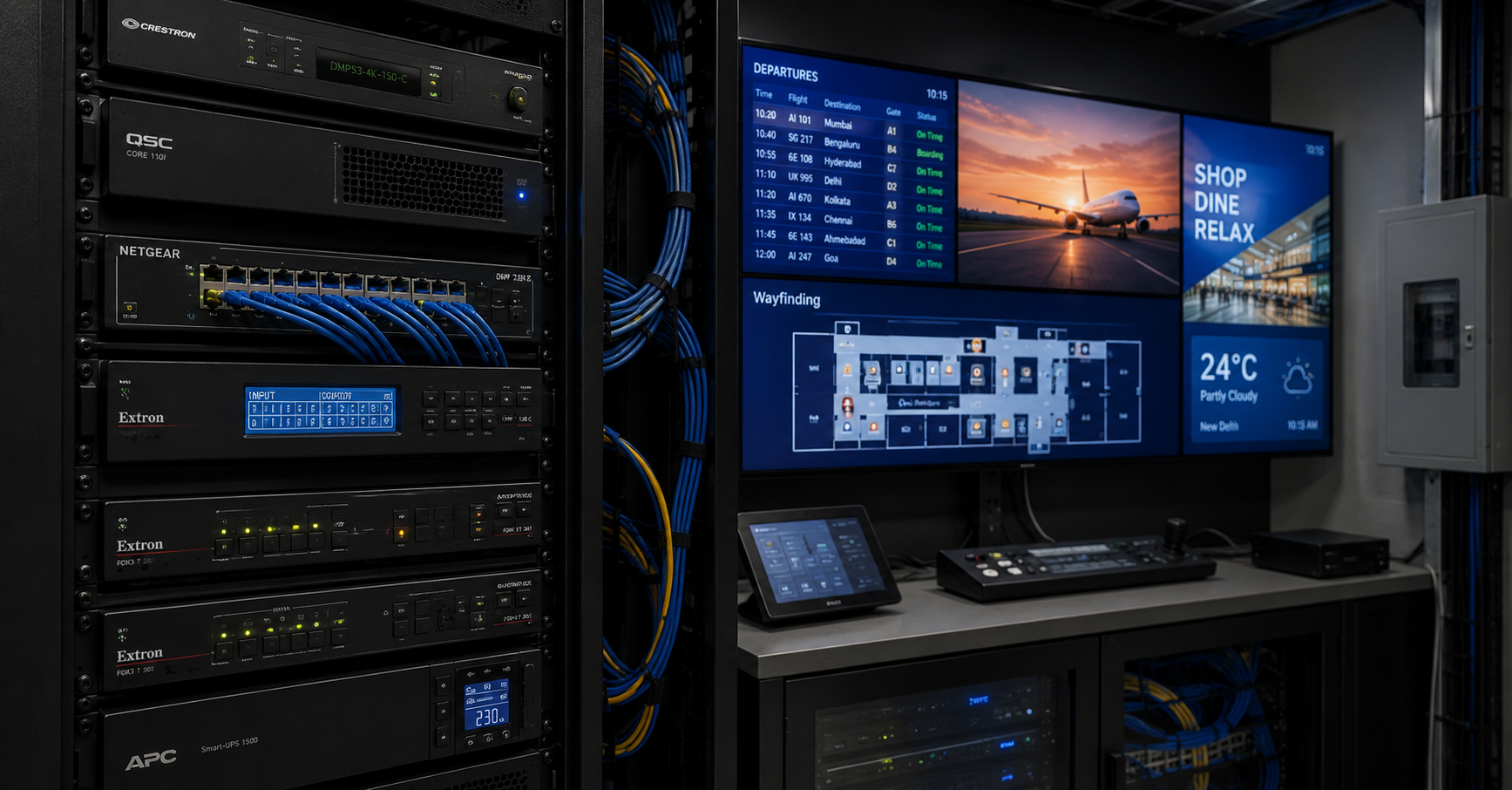
Corporate environments typically have: conference room displays (often Samsung, LG, or NEC commercial screens), video conferencing systems (Cisco Webex, Microsoft Teams Rooms, Zoom Rooms hardware), audio distribution (ceiling speakers, matrix amplifiers), and room control systems (Crestron, Extron, AMX, or Savant).
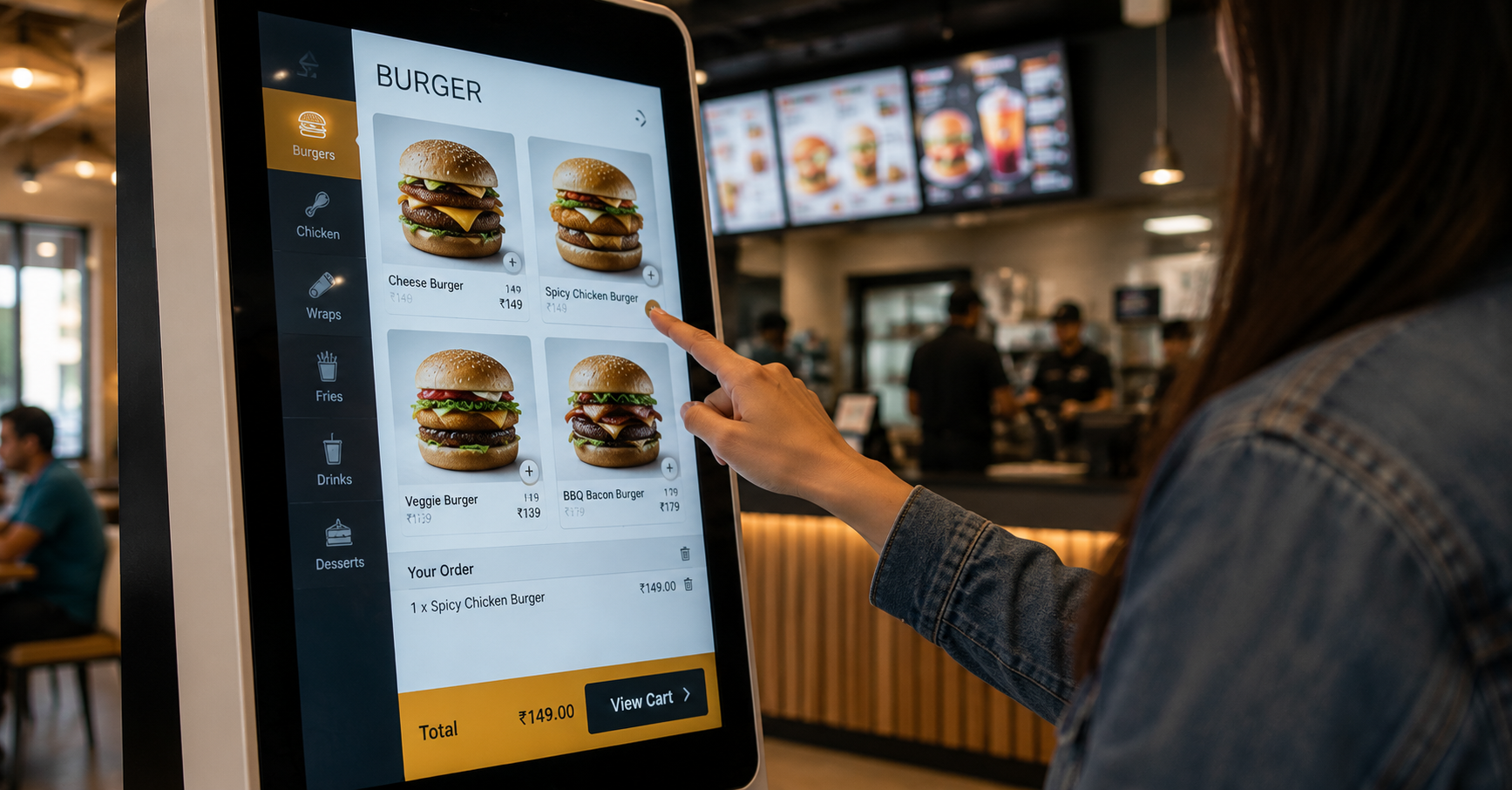
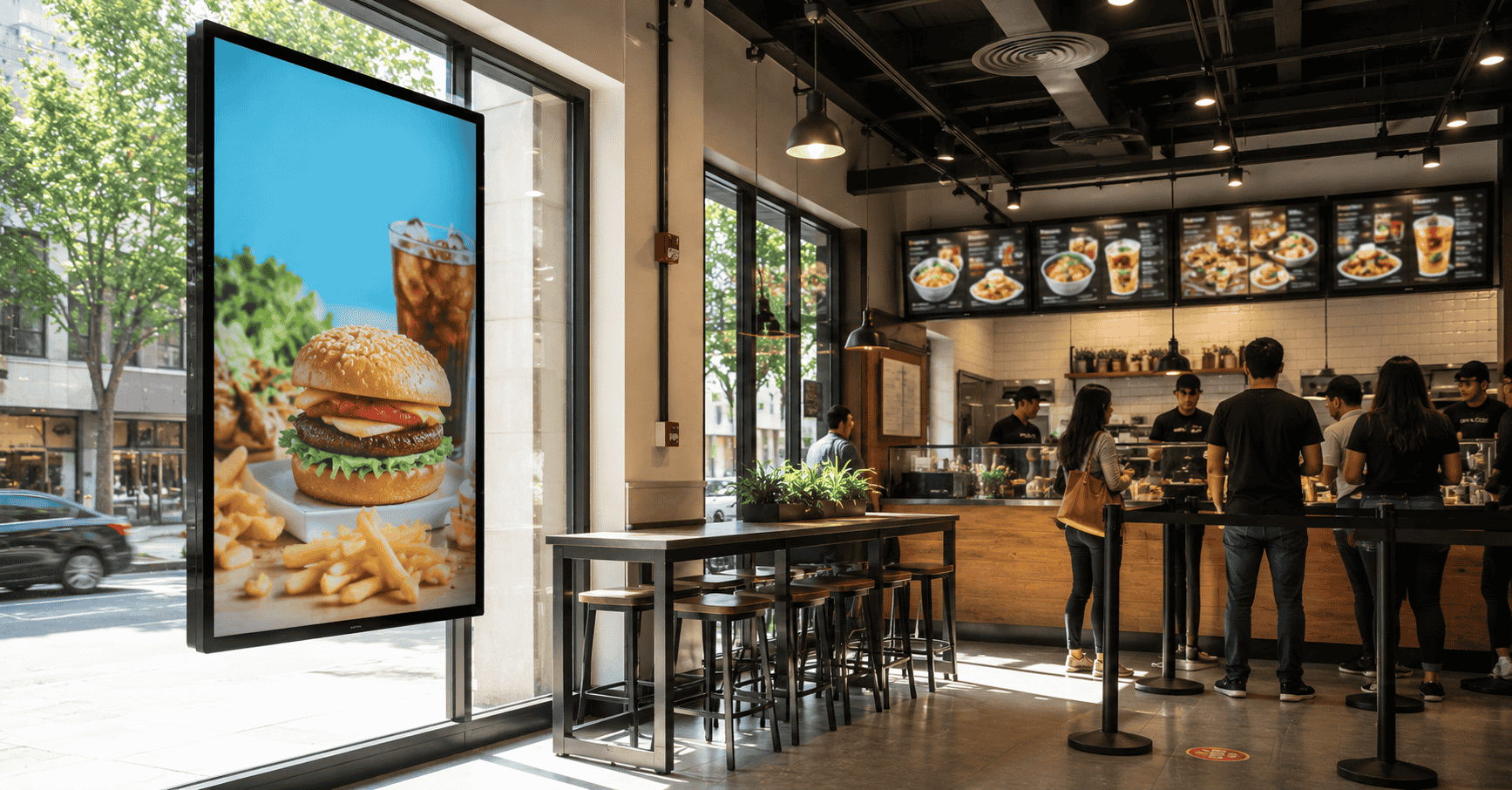
Retail and QSR environments typically have: existing POS systems (various brands depending on the chain), background music systems, and potentially legacy signage hardware from a previous deployment.
Healthcare environments typically have: nurse call systems, patient entertainment systems, and in some cases existing digital wayfinding or queue management platforms.
Educational environments typically have: projectors or interactive whiteboards in classrooms, campus PA systems, and potentially a legacy digital signage installation in corridors or common areas.
Each of these environments has different integration requirements, and the compatibility of a new digital display solution with existing infrastructure depends on which elements need to connect and how.
The Integration Layers That Matter
1. Network and Connectivity Integration
The simplest and most universally managed integration layer. Almost all modern commercial digital display solutions communicate over standard IP networks, the same Ethernet and Wi-Fi infrastructure that supports every other networked device in the building.
The considerations here are practical rather than technical:
- Is there network capacity at the installation locations, or does new cabling need to be run?
- Are the displays going on a shared corporate network, or does IT require them on a separate VLAN for security reasons?
- Does the organisation’s network policy allow cloud-based CMS communication through the firewall, or does the IT team need to whitelist specific endpoints?
These are not compatibility problems, they’re configuration questions that need to be addressed during the site assessment phase, before installation begins.
Ease of integration: High, for most modern display solutions. The standard IP network layer is universally compatible.
2. Signal and Source Integration
Some deployments require the digital display to show content from an existing AV source, a laptop, a video conferencing camera feed, a broadcast receiver, or a media server, rather than (or in addition to) content from a signage CMS.
HDMI and DisplayPort inputs are standard on most commercial displays. If the existing AV source outputs HDMI or DisplayPort, connection is straightforward.
HDBaseT and AV-over-IP are the standards used in distributed AV environments where signals need to travel longer distances than HDMI cables support, across a floor or between rooms. If the existing AV infrastructure uses HDBaseT (common in Crestron and Extron systems) or an AV-over-IP standard (Dante, AES67, NDI), verify that the display solution’s inputs are compatible, or plan for a converter.
Video conferencing integration is a more specific case. A display that needs to show a Teams or Webex call as one of its content sources needs either native integration with the conferencing platform (available on some commercial displays as a built-in app) or a separate room PC or conferencing device feeding the display via HDMI. For corporate meeting rooms where the display serves dual purpose, signage outside the room showing schedule information, presentation display inside, this source-switching capability needs to be in the specification from the start.
Ease of integration: Moderate. Standard inputs are universally compatible; distributed AV integration requires more detailed scoping.
3. Control System Integration
In organisations with Crestron, Extron, AMX, or similar room control systems, the ability to control the digital display from the existing control system, turning it on and off, switching inputs, adjusting brightness, determines whether the display integrates smoothly into the existing control environment or requires separate management.
Most commercial display brands publish control drivers for major control system platforms. Samsung, LG, NEC, and most other commercial display manufacturers have Crestron and Extron modules available, allowing their displays to be integrated into an existing control system programme.
The consideration for buyers is whether the vendor’s specified display model has a published, current driver for the control system in use, not just that the brand generally supports control integration. Driver availability varies by model and by control platform version, and this is worth verifying specifically rather than assuming.
CMS-managed signage displays often sit outside the room control system entirely, they’re managed by the CMS, not by the room controller. In environments where this creates a gap (a meeting room display that needs to be controlled both by the room system and by the signage CMS, depending on whether it’s in “meeting mode” or “signage mode”), a source-switching approach or a display with built-in mode management is needed.
Ease of integration: Moderate to complex, depending on the control system in use and the specific display models specified.
4. CMS and Software Integration
For organisations that already have a digital signage CMS in place, either a legacy system or a platform chosen by a different department, the question of whether a new display deployment needs to use the existing CMS or can run on a separate platform is worth addressing early.
Running on an existing CMS: If the organisation has an enterprise signage CMS already managing screens elsewhere in the building or network, adding new displays to the existing platform avoids platform proliferation and maintains centralised management. The compatibility question is whether the new display hardware is supported by the existing CMS, specifically, whether the media player or display’s built-in player is compatible with the CMS’s player software.
Running on a new CMS alongside existing systems: In some deployments, it makes more sense for a new display network to run on its own CMS, particularly if the existing platform is legacy, limited in capability, or managed by a team that doesn’t have bandwidth to extend it. The integration consideration then shifts to data sharing: if the new CMS needs to pull data from existing systems (a booking calendar for meeting room signage, a POS feed for a QSR display, an HR system for corporate communication screens), those API connections need to be in scope.
Ease of integration: Variable. If the existing CMS is modern and the new hardware is supported, high. If the existing CMS is legacy or the new hardware requires a different player architecture, low.
5. POS and Business System Integration
For QSR and retail deployments, integration with the existing POS system is often the most operationally significant integration requirement, and the one most likely to surface unexpected complexity.
POS integration for digital signage typically means one of two things:
- One-way data feed: The POS pushes price and item availability data to the signage CMS, which uses it to keep menu boards current. This is the more common implementation.
- Bidirectional integration: Kiosk orders placed on the display terminal flow back into the POS and from there into the kitchen. This is more complex and requires the display vendor’s kiosk software to have a tested integration with the specific POS system in use.
The critical word is “tested.” Most display vendors will describe POS integration as available or possible. The question worth asking is: “Do you have a live deployment running this integration with our specific POS system, and can I speak to that operator?”
Ease of integration: Varies significantly by POS system. Major QSR POS platforms (common in national chains) have published integrations with most major signage vendors. Proprietary or older POS systems may require custom middleware development.
The Questions That Determine Integration Ease Before You Commit
“What AV inputs does this display support, and does it include the input standards used in our existing infrastructure?” Establishes signal compatibility upfront.
“Is there a published Crestron/Extron/AMX driver for this specific display model, and which version of the control system does it support?” For control system environments, verifies specific driver availability rather than general brand compatibility.
“Is this display’s media player compatible with our existing CMS, or will we need a separate player or platform?” For organisations with an existing signage CMS.
“Do you have a live deployment integrating your kiosk/display system with our POS platform? Can we speak to that operator?” For QSR and retail, the most important due diligence question for transaction-critical integrations.
“What firewall and network configuration is required for the CMS to communicate with the displays? Can your team work with our IT department during the site assessment?” Surfaces network policy considerations before installation, not after.
The General Principle
The display solutions easiest to integrate with existing AV systems are those that:
- Use standard IP networking without proprietary network requirements
- Support standard video inputs (HDMI, DisplayPort) rather than requiring proprietary signal formats
- Have published control drivers for major control system platforms
- Have a CMS with documented API integration capability for data-sharing with existing business systems
- Have live reference deployments in environments similar to yours, with verified integrations rather than described ones
No display solution integrates with everything without some configuration work. The difference between easy and difficult integration is almost always discovered in the site assessment and the detailed technical conversation, not in a product brochure or a vendor presentation.
If you’re planning a digital display deployment and want to work through the integration requirements specific to your existing AV and IT infrastructure, we’d be glad to conduct a site assessment and provide a detailed integration scoping document before any hardware is specified.
Get in touch: contact@techworksworld.com | +91-99109 65918 | techworksworld.com