Best Digital Display Solutions for Interactive Museum Exhibits
Museums are one of the most demanding environments for digital display technology. The audience spans every age, every level of technological fluency, and every degree of prior knowledge about the subject. The content ranges from fragile artefacts that cannot be touched to broad historical narratives that need to be communicated across fifteen minutes of walk-through. And the physical environment, often heritage architecture with restricted structural intervention, variable ambient light, and high foot traffic, imposes constraints that don’t appear in a standard commercial installation brief.
Getting digital displays right in a museum context requires a different set of priorities from retail or corporate deployments. This guide covers the formats that work, the applications they’re best suited to, and the considerations that distinguish a successful cultural institution deployment from one that adds technology without adding value.
Why Museums Need Digital Displays Differently
The purpose of a display in a museum is not to attract attention or drive a transaction. It’s to deepen understanding, extend engagement, and make content accessible to audiences who might otherwise be excluded, visitors who don’t read the language of the label text, children who aren’t engaged by paragraphs of historical context, specialists who want more depth than a general-audience panel can provide.
This purpose shapes every decision. A retail display optimises for attention in seconds. A museum display optimises for comprehension over minutes. A retail CMS prioritises rapid content turnover. A museum CMS prioritises accuracy, version control, and the ability to update without disrupting a permanent collection narrative.
These are different requirements, and the technology choices that follow from them are correspondingly different.
The Display Formats That Work in Museum Environments
Interactive Touchscreen Kiosks
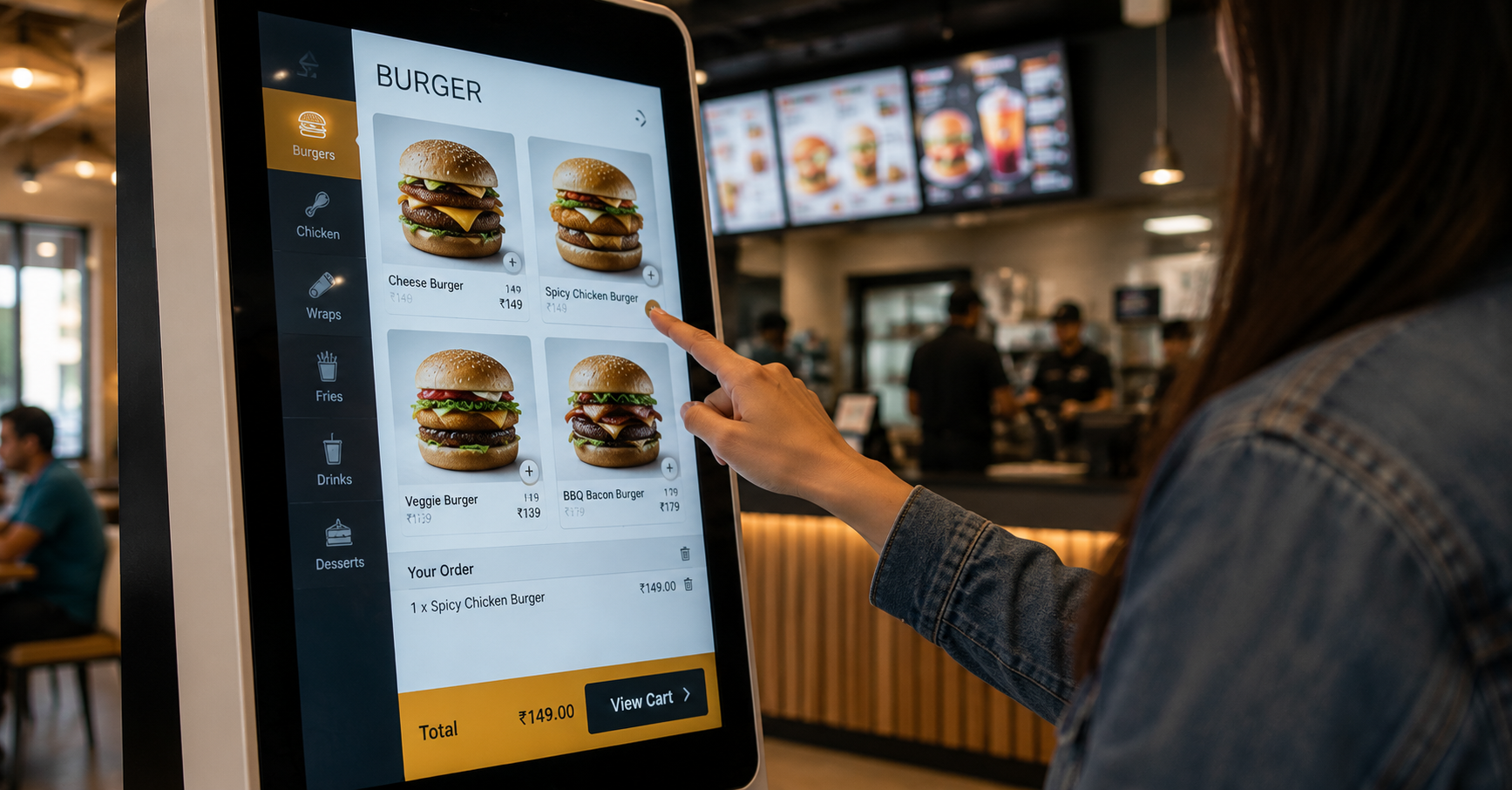
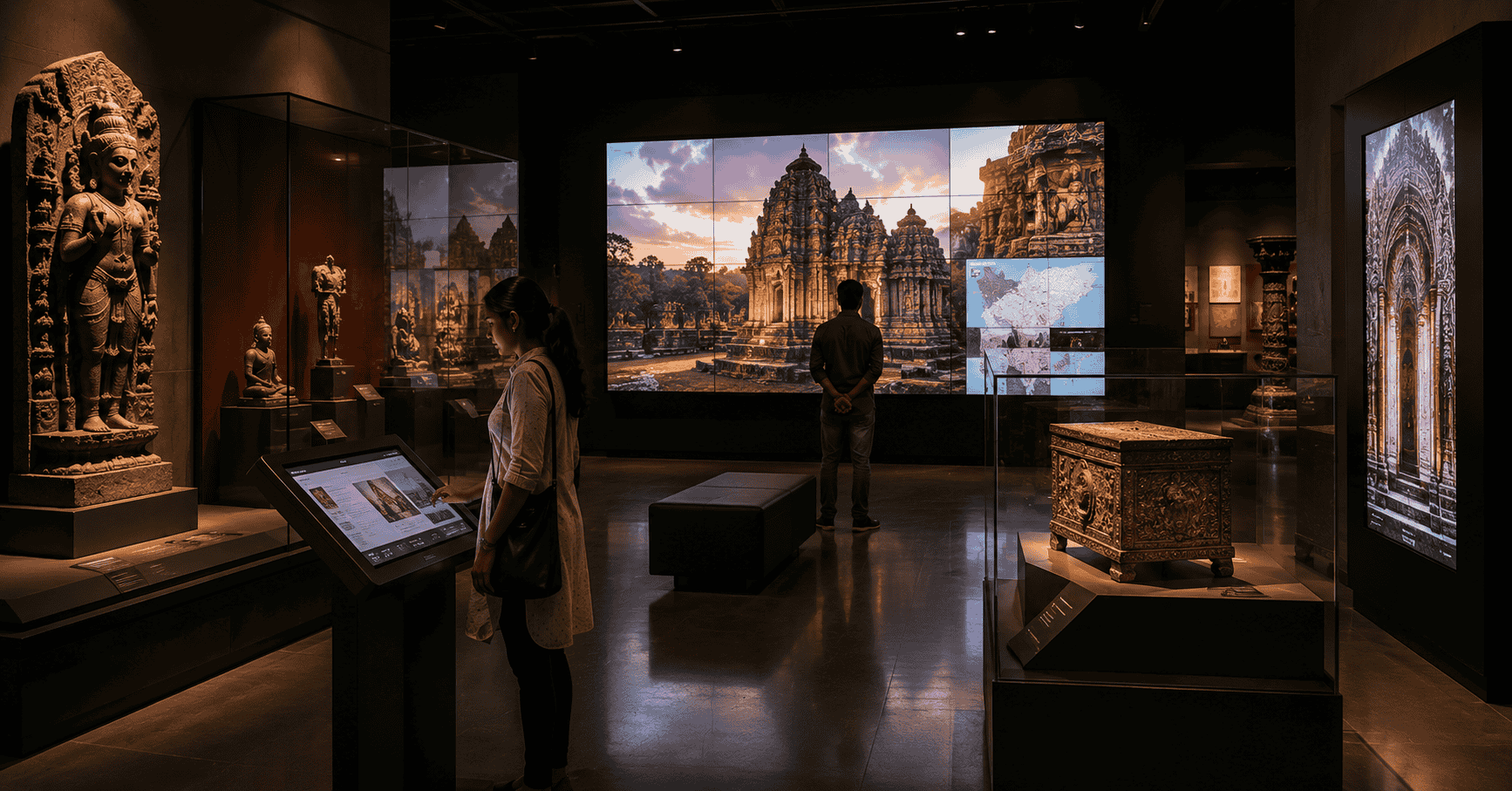
The most versatile format for museum applications. A touchscreen kiosk allows visitors to explore content at their own depth and pace, surface-level for casual visitors, detailed for specialists, simplified for children. A single kiosk can serve as a multilingual guide, an extended catalogue for objects in the collection, an oral history archive, a map interface, or a ticketing and wayfinding terminal.
For permanent collections, interactive kiosks provide a way to make available far more content than any physical label or panel can carry, without cluttering the physical gallery space with text. The artefact stays clean and contextually presented; the depth of information lives in the kiosk adjacent to it.
The design considerations for museum kiosks are distinct from retail: the interface needs to work for a 7-year-old and a 70-year-old with equal ease. Touch targets need to be large and clearly labelled. Navigation needs to be forgiving, easy to exit, easy to return to a starting point, with no dead ends or confusing hierarchies. Multilingual support is not optional in any institution receiving international visitors.
Best for: Permanent collection galleries, object-level interpretation, multilingual visitor support, children’s galleries, archive and oral history access.
Large-Format Video Walls
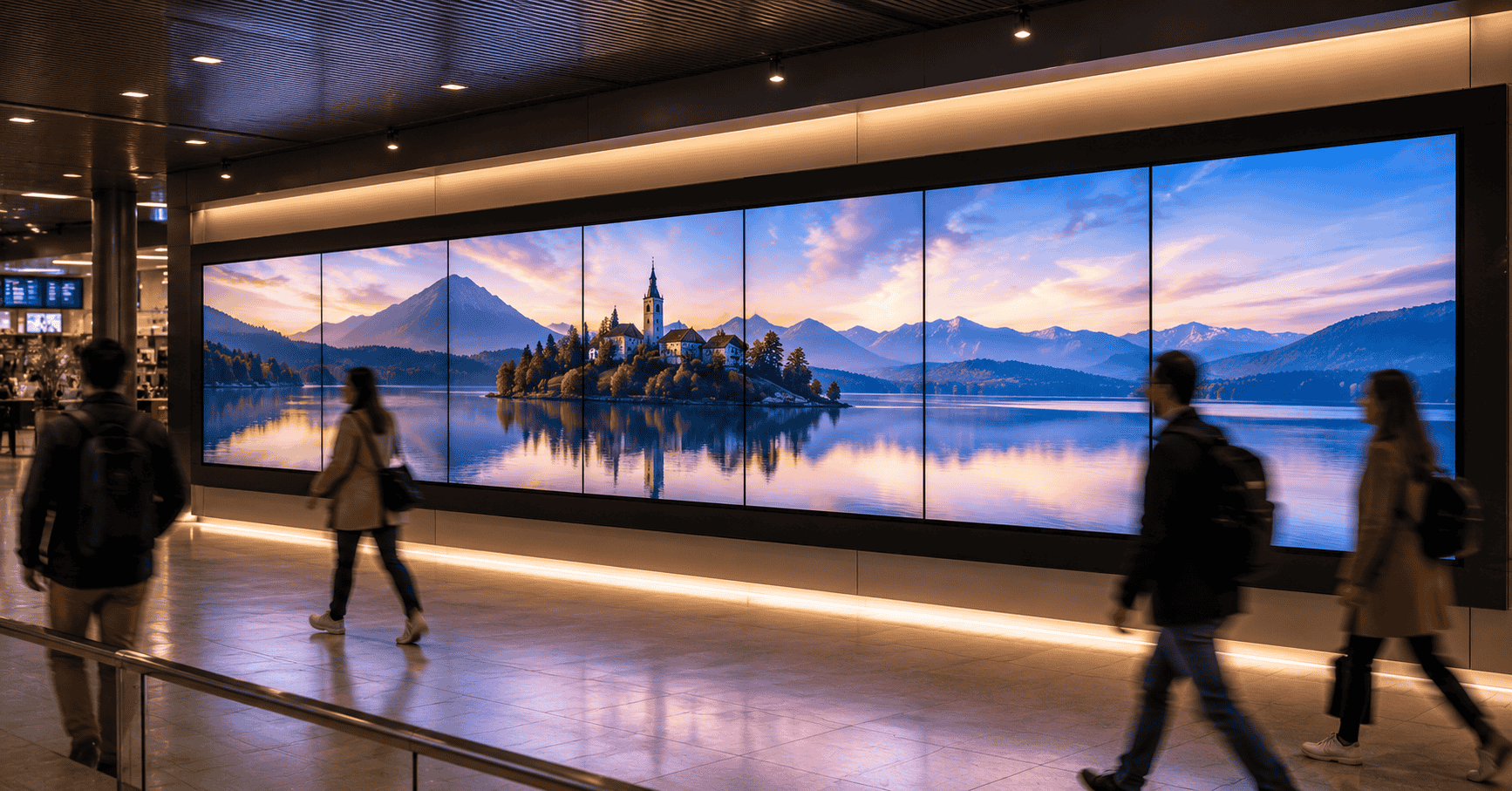
For immersive storytelling, a civilisation’s visual history, a natural environment, an architectural reconstruction, a video wall creates an environment that individual screens cannot. In a museum context, the video wall is most effective when the content is designed to be experienced rather than read: panoramic imagery, documentary film, reconstructed environments, time-lapse sequences.
The scale of a video wall changes the quality of engagement. A visitor standing in front of a 4-metre reconstruction of a historical site is having a different experience from one watching the same content on a 55-inch screen. For institutions where immersive experience is part of the curatorial intent, large-format display is the format that delivers it.
Content considerations are significant: video wall content for museums needs to be produced at a quality level that matches the cultural weight of the subject. Low-resolution or visually generic content on a large format is more damaging than no digital content at all, it devalues the exhibit rather than enriching it.
Best for: Feature galleries, immersive experience rooms, temporary exhibition centrepieces, orientation and introduction spaces.
Transparent LED in Display Cases and Architectural Integration
For institutions where the physical artefact is the primary focus and digital content must not compete with it, transparent LED offers a unique solution: content displayed on the glass of a display case itself, overlaid on or adjacent to the object without adding physical infrastructure to the viewing space.
A transparent LED panel on the front glass of a display case can show contextual information, provenance, historical context, a reconstruction of the object in use, while the artefact remains fully visible behind it. The display disappears when content is not active; when it is, the information is spatially connected to the object it describes.
For architecturally sensitive museum environments where mounting conventional screens would require structural intervention or visual compromise, transparent LED integrated into existing glass surfaces, partition walls, glazed alcoves, vitrines, minimises the physical footprint of the technology.
Best for: Object-level interpretation in sensitive display environments, architecturally constrained heritage spaces, premium collection presentations where display hardware must not dominate the visual field.
Projection Mapping
For exhibition environments where the display surface is irregular, a sculptural object, an architectural element, a non-flat wall, projection mapping allows content to conform to the shape of the surface rather than requiring a flat screen. A historical building’s façade, a three-dimensional artefact, or a complex architectural reconstruction can become the display surface itself.
Projection mapping is more technically complex and more expensive to maintain than screen-based display, lamps have defined lifespans, calibration drifts over time, and ambient light control is often required. It’s appropriate for signature exhibition moments where the visual effect justifies the operational complexity, not as a general-purpose display solution.
Best for: Feature installations, temporary exhibitions, signature immersive moments, architectural and sculptural subjects where the display surface is part of the content.
Directional and Wayfinding Displays
For large institutions, multi-building museum campuses, multi-gallery complexes, institutions with temporary and permanent collections in different wings, digital wayfinding at key junctions reduces visitor disorientation and helps route traffic to less-visited areas of the collection.
Digital wayfinding in a museum context has one requirement that retail wayfinding doesn’t: it needs to work for visitors with no prior knowledge of the institution’s layout, and it needs to communicate what’s worth seeing, not just where things are. A well-designed museum wayfinding display combines directional information with curatorial guidance, highlighting current temporary exhibitions, flagging accessible routes, noting where guided tours depart.
Best for: Multi-gallery institutions, large campuses, institutions with significant international visitor traffic, museums with regular temporary exhibition programming.
The Considerations That Matter in Heritage Environments
Structural constraints. Heritage buildings frequently have restrictions on drilling, fixing to walls, and modifying the fabric of the space. Display solutions for heritage environments need to be specified with freestanding, suspended, or clamped mounting approaches that don’t require permanent structural intervention.
Ambient light variability. Museum gallery lighting is designed around the collection, controlled to protect artefacts from UV exposure and to create the right viewing conditions for objects. Adding display screens to this environment can introduce light spill that affects other exhibits. Screen brightness needs to be calibrated to the gallery environment, and content should use colour palettes that don’t create harsh contrast with surrounding display conditions.
Content governance. Museum content carries academic and curatorial authority, accuracy, attribution, and version control matter in ways they don’t in commercial signage. The CMS for a museum deployment needs to support content approval workflows, version history, and access levels that distinguish between curatorial staff who create content and technical staff who manage the system.
Durability and maintenance access. Museum exhibits run for years, sometimes decades for permanent collections. Hardware specified for a three-year replacement cycle is inappropriate for a gallery installation that will be part of a permanent collection display for ten years. Maintenance access needs to be designed into the installation from the start, including the ability to replace components without dismantling the exhibit.
Accessibility. Digital displays in museums should extend accessibility rather than create new barriers. Screen height, text size, interface complexity, multilingual support, and audio description capability are all accessibility dimensions that need to be addressed in the specification, not retrofitted.
The Content Question: Where Most Museum Digital Installations Underperform
The most common failure mode for digital displays in museums is not the hardware, it’s the content. Institutions invest in screens and kiosks, then discover that producing the content to populate them is more resource-intensive than anticipated. Kiosks launch with placeholder content. Video walls loop brief clips produced for a marketing campaign rather than for immersive exhibition use. Interactive terminals are populated with the same text as the physical labels, with no additional depth.
The content plan needs to be developed alongside the technology specification, not after it. The questions worth answering before hardware is procured:
- Who is producing the content, and what is their budget and timeline?
- What is the update and maintenance plan for content once the exhibition opens?
- Is there existing digital content, archival footage, photography, oral history recordings, that can be adapted for display use?
- What languages does the content need to support, and who is translating and culturally adapting it?
A display solution that has been procured without these questions answered is likely to underperform its potential, regardless of the quality of the hardware.
If you’re planning digital display infrastructure for a museum, heritage site, or cultural institution, whether a new gallery fit-out or a technology upgrade to an existing space, we’d be glad to advise on formats, specifications, and content considerations.
Get in touch: contact@techworksworld.com | +91-99109 65918 | techworksworld.com