What to Ask Before Buying a Self-Order Kiosk in India?
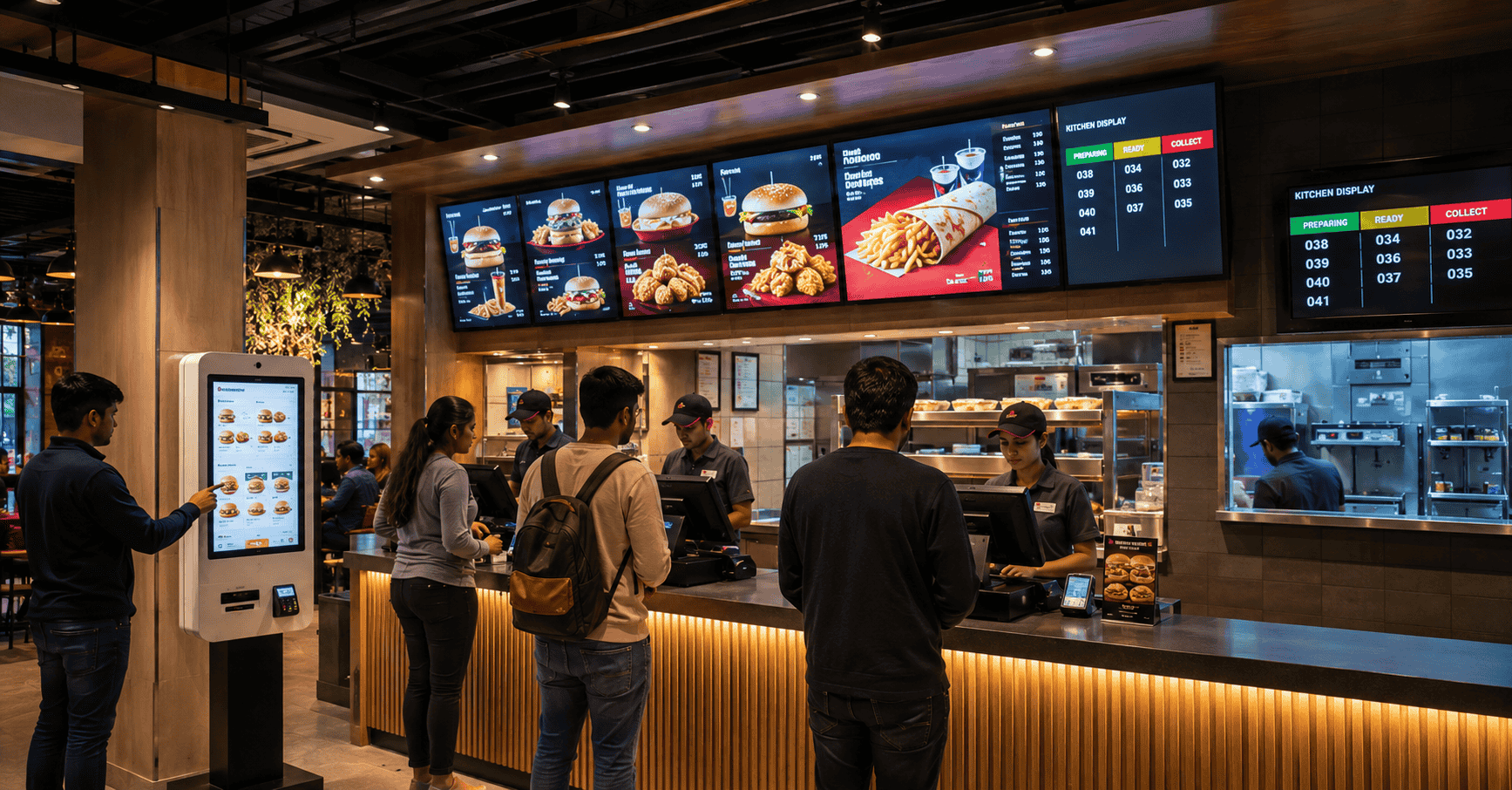
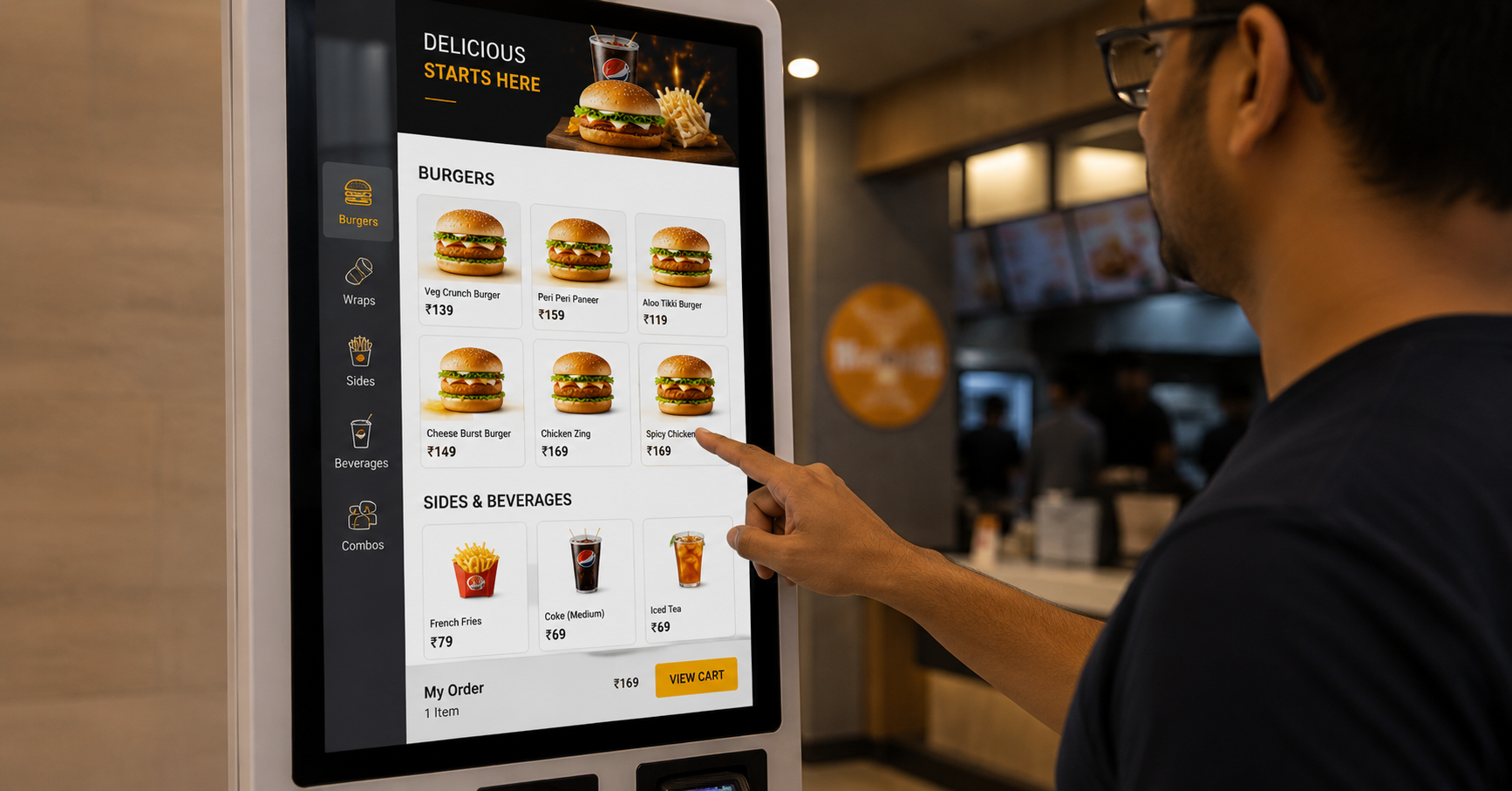
The self-order kiosk market in India is growing fast. Walk into any organised QSR chain today and there’s a reasonable chance you’ll see a kiosk near the entrance — a touchscreen terminal where customers browse the menu, customise their order, and pay, without involving counter staff.
For operators, the appeal is obvious: faster throughput, higher average ticket size, reduced dependency on front-of-house headcount. The data from global markets backs this up — kiosk orders consistently outperform counter orders on ticket value, largely because customers browse more freely without the social pressure of a queue behind them.
But not all kiosk deployments deliver on this promise. A poorly chosen system creates friction instead of removing it — slow screens, confusing UI, integration failures, hardware that can’t handle the heat or dust of an Indian restaurant environment. The difference between a kiosk that pays for itself in six months and one that becomes an expensive piece of furniture usually comes down to the questions you ask before you buy.
Here are the ones that matter.
1. Is the Hardware Built for Indian Operating Conditions?
This question gets asked less often than it should.
A self-order kiosk in an Indian QSR runs in a demanding environment — heat, humidity, dust, cooking grease in the air, and often inconsistent power supply. Hardware specified for air-conditioned European retail environments doesn’t always hold up.
Ask specifically:
- What is the operating temperature range? Most commercial kiosk enclosures should handle 0–45°C comfortably.
- Is the display rated for high-ambient-light conditions? A screen that looks sharp in a showroom can become unreadable in a brightly lit outlet with sunlight coming through the front.
- What is the ingress protection (IP) rating? For kitchen-adjacent environments, this matters more than most vendors will volunteer.
- Is the power supply designed for Indian voltage fluctuations, or does it require a stabiliser?
A vendor who can’t answer these questions confidently is a vendor whose hardware hasn’t been tested in the environments you’re actually deploying into.
2. Who Controls the Content — and How Quickly Can It Change?
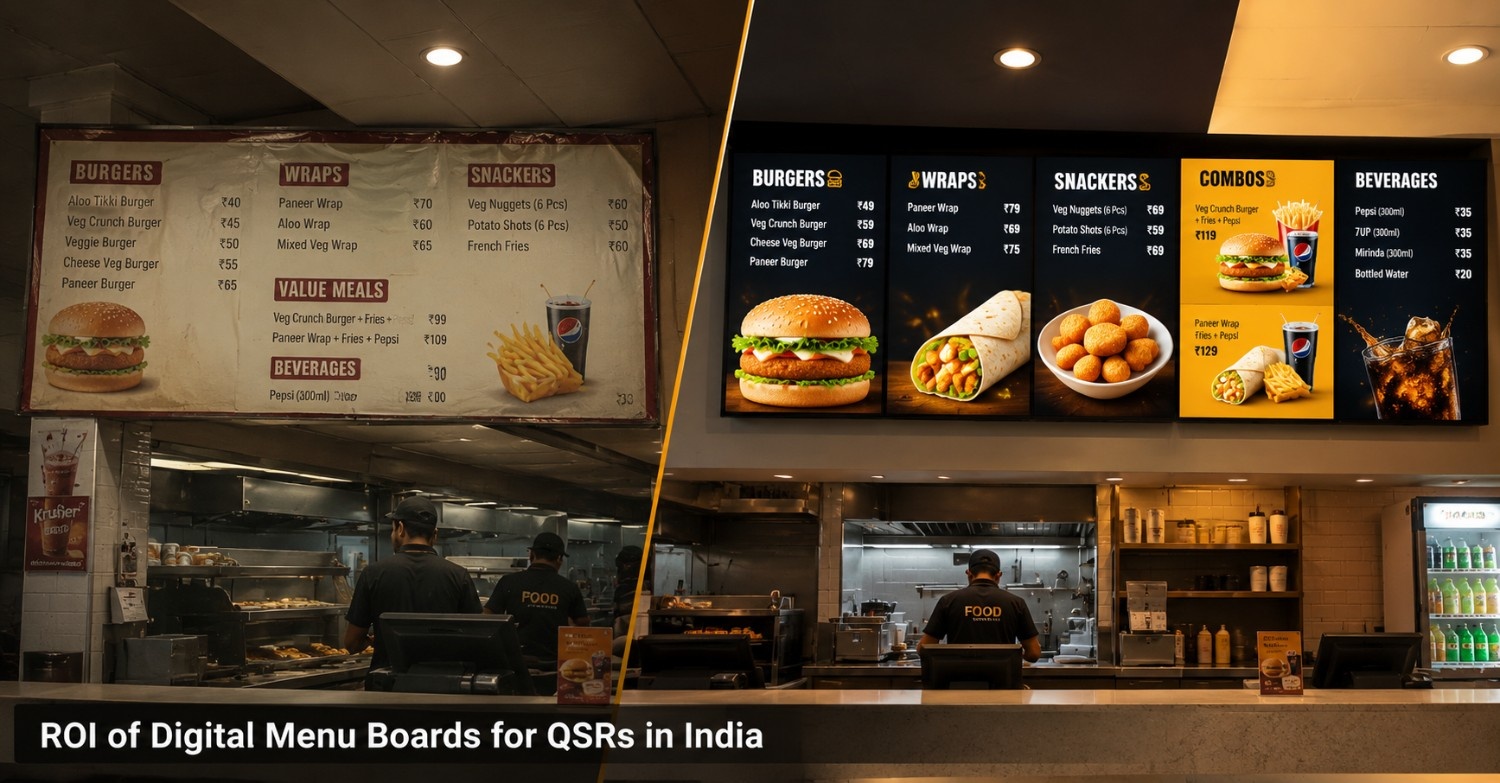
The kiosk screen is a sales surface. Its value depends entirely on your ability to keep it current and relevant.
Before committing, understand the content management model:
- Can you update prices, items, and images yourself — from a browser, without raising a support ticket?
- How long does a menu update take to go live? Minutes is acceptable. Days is not.
- Can you schedule daypart changes — a breakfast menu that switches to a lunch menu at 11 AM automatically?
- If you’re running multiple outlets, can you push a single update across all of them simultaneously? Or do you need to log in to each one separately?
A kiosk without a capable, operator-controlled CMS is just a touchscreen that shows whatever it was programmed to show at installation. That’s not a commercial asset — it’s a liability waiting to happen the next time you change a price or run out of an item.
3. How Does It Integrate with Your POS and Kitchen Systems?
This is where many kiosk deployments quietly fail.
A self-order kiosk that doesn’t talk to your POS system creates a parallel workflow — staff have to manually re-enter kiosk orders into the billing system, which defeats the purpose entirely. A kiosk that doesn’t connect to a Kitchen Display System (KDS) means order tickets are being printed separately, adding confusion rather than reducing it.
Ask your vendor:
- Which POS systems does this integrate with natively? Can you name the integration partner and show a live deployment?
- Is the integration bidirectional — does item availability update on the kiosk in real time when something goes out of stock at the POS?
- What happens to kiosk orders during a network outage? Does the system queue them, fail gracefully, or crash?
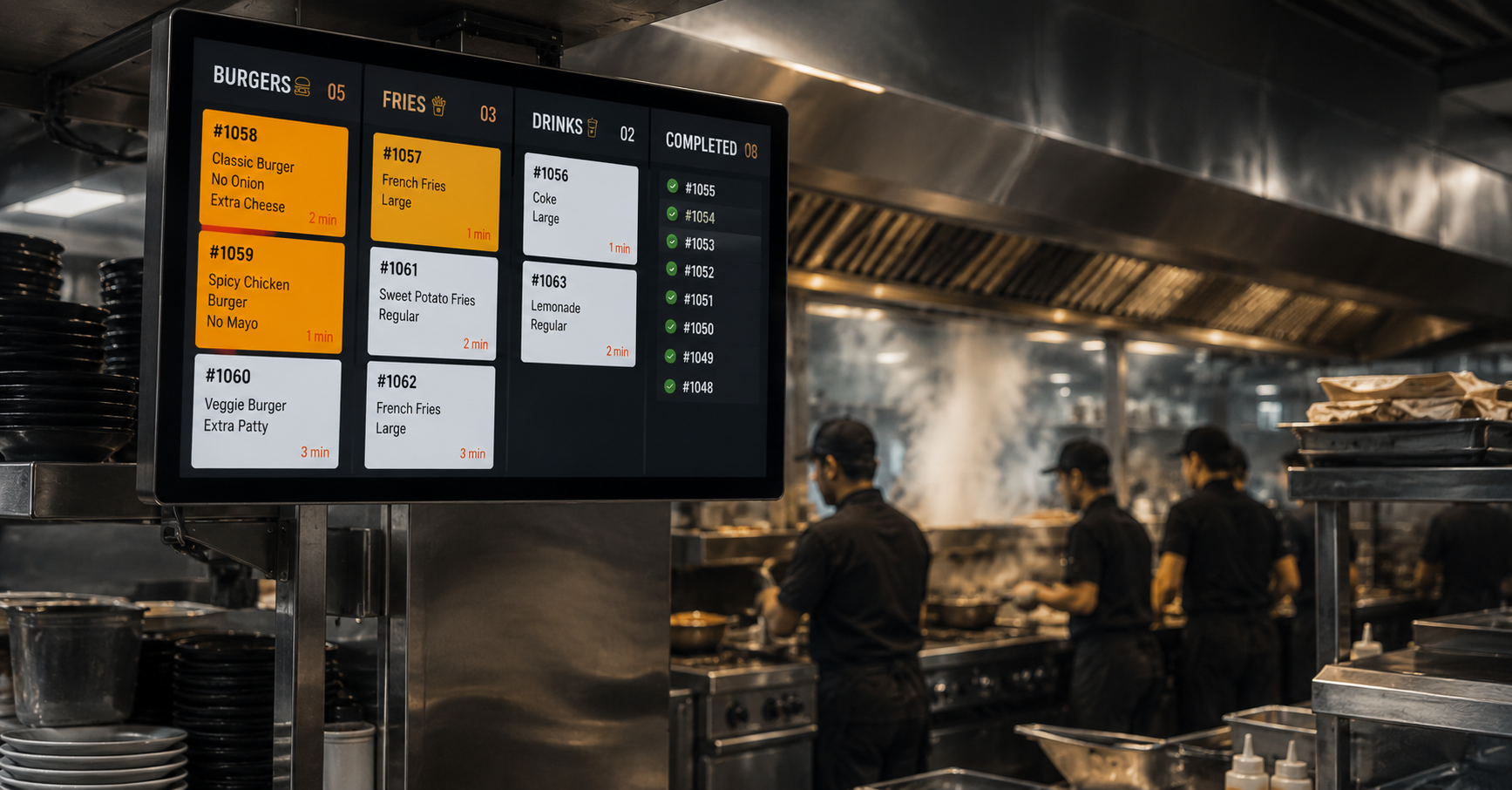
- Does it connect to a Kitchen Order Display, so kiosk orders flow directly into the kitchen workflow?
Integration is not a feature to be added later. It is the foundation of whether the kiosk actually works in practice.
4. What Does the Payment Architecture Look Like?
Indian consumers pay in multiple ways — UPI, cards, wallets, and cash. A kiosk that only accepts cards is a kiosk that a large percentage of your customers won’t use.
Verify:
- Which payment methods are supported — UPI (including QR-based), debit/credit cards, net banking, cash?
- Is the payment gateway PCI-DSS compliant?
- Who manages payment reconciliation, and how does it reflect in your daily settlement reports?
- What happens if a payment is initiated but the network drops mid-transaction? Is the customer charged? Is the order placed?
Payment failure at a kiosk is one of the fastest ways to destroy customer trust in the technology. Make sure the failure modes are handled, not just the success path.
5. What Is the Real Cost of Ownership Over Three Years?
The hardware price quoted is rarely the full picture. A kiosk deployment has layers of cost that surface after installation:
- Software / CMS subscription: Monthly or annual fee per device. Understand what’s included — content hosting, updates, support — and what triggers additional charges.
- Payment gateway fees: Transaction-level charges that compound with every order. Get clarity on the per-transaction rate and who the acquiring bank is.
- Preventive maintenance: How often does hardware need servicing? Who does it, and is it included or billed separately?
- Reactive support: If a screen goes down during lunch service, what is the committed response time? Is there a penalty for SLA breach?
- Consumables: Receipt printers need paper rolls. Who supplies them, at what cost, and on what lead time?
Build a 36-month total cost of ownership model before you sign. A cheaper hardware quote that comes with expensive AMC terms and slow support SLAs will cost more in the long run.
6. Has the Vendor Deployed at Your Scale — and in Your Vertical?
There is a meaningful difference between a vendor who has installed one or two kiosks as pilot projects and one who has deployed across dozens of outlets in live QSR environments.
Ask for references — not just names, but specifics:
- How many kiosk deployments have you completed in the QSR segment?
- What is the largest multi-outlet rollout you’ve managed, and what was the timeline?
- Have you deployed in cities similar to ours in terms of climate and connectivity conditions?
- What was the most complex integration challenge you’ve solved, and how?
A vendor with genuine deployment experience will have ready answers and real examples. A vendor filling in gaps with vague assurances is telling you something important.
7. What Does Onboarding and Training Look Like?
Technology adoption in QSR is an operational challenge as much as a technical one. Even a well-built kiosk fails if your staff don’t know how to troubleshoot basic issues, update the menu, or assist customers who are confused.
Clarify upfront:
- What training is provided at installation — for managers, for counter staff, for whoever will manage content?
- Is there documentation — user manuals, quick-reference cards — that staff can refer to without calling support?
- Is there a dedicated onboarding period, or does the vendor hand over and disappear?
- What is the support channel for day-to-day queries — email ticket, phone, WhatsApp?
The smoothest rollouts happen when the operator’s team feels confident using the system from day one, not three weeks in after a frustrating learning curve.
The Checklist Summary
Before signing off on a self-order kiosk purchase, you should have clear answers to:
- Hardware spec verified for Indian operating conditions
- CMS is operator-controlled with real-time, multi-outlet update capability
- POS and KDS integration confirmed with live reference deployments
- All relevant payment methods supported; failure handling documented
- 36-month TCO calculated including software, support, and consumables
- Vendor has verifiable QSR deployment track record at your scale
- Onboarding and training plan agreed before installation begins
A self-order kiosk is a significant operational investment. The operators who get the most out of it are the ones who treat the procurement process with the same rigour they’d apply to a new kitchen system — not an impulse buy driven by what they saw at a competitor’s outlet.
If you’re evaluating kiosk options for your QSR outlets and want to understand what a deployment looks like end-to-end, we’re happy to walk you through it.
Get in touch: contact@techworksworld.com | +91-99109 65918 | techworksworld.com