The Kitchen Display System: The Unsung Hero of Fast QSR Operations
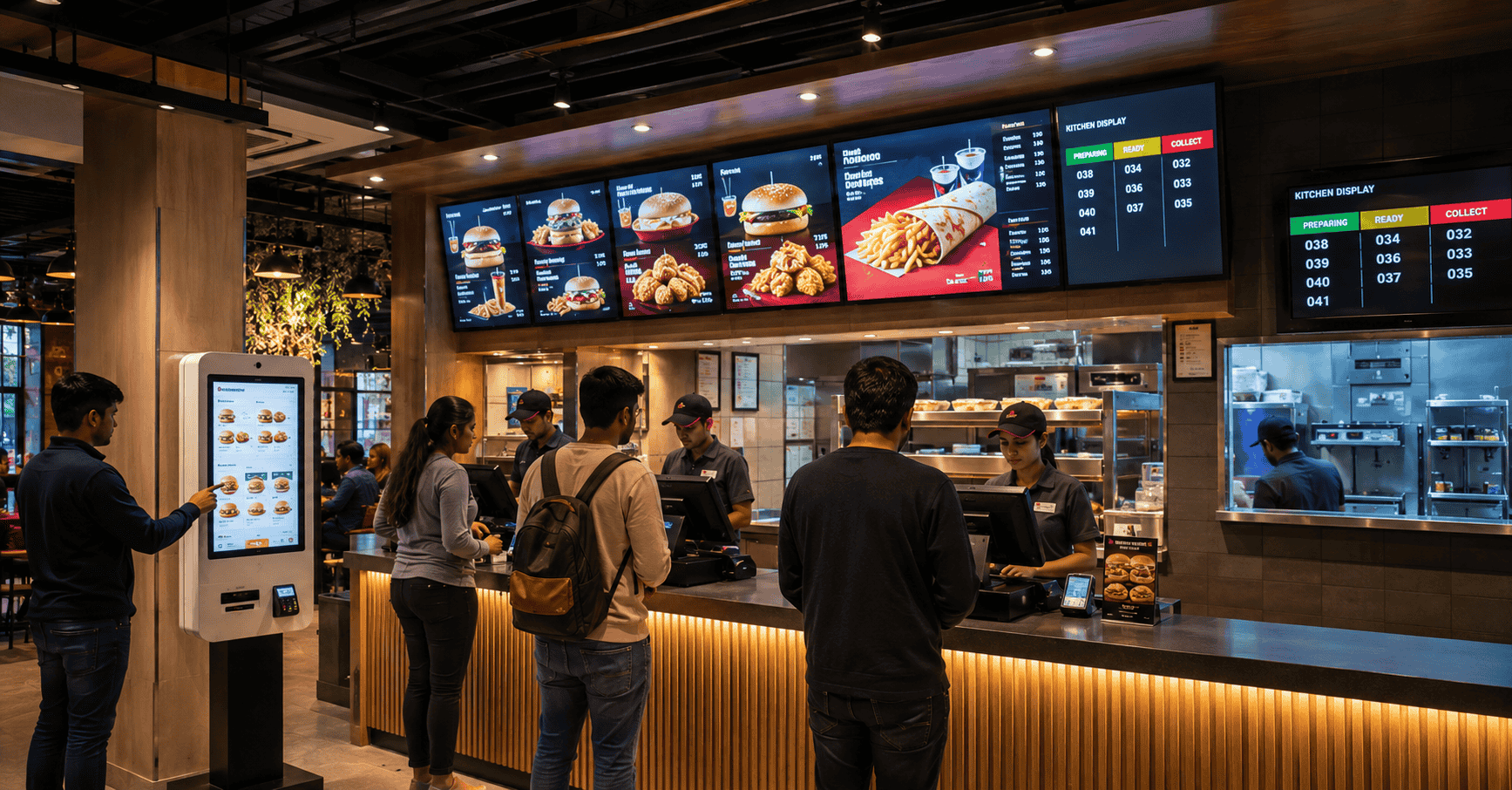
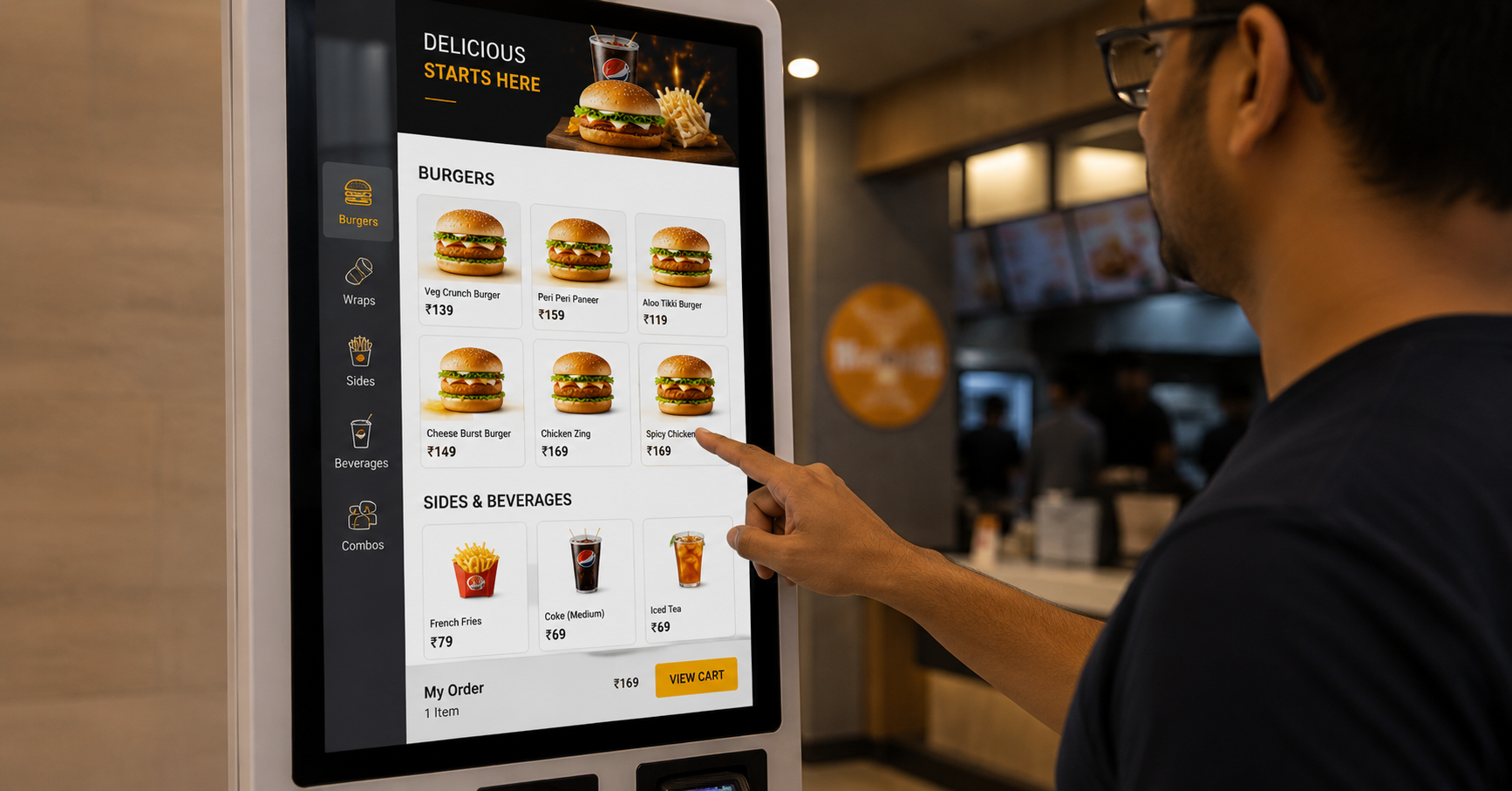
Most conversations about QSR technology happen at the front of the house. Self-order kiosks, digital menu boards, loyalty apps, payment systems — all visible, all customer-facing, all easy to point to when discussing “digital transformation.”
Almost nobody talks about what happens after the order is placed.
This is a mistake. Because the single biggest determinant of whether a QSR delivers on its core promise — fast, accurate, hot food — happens entirely out of customer view, in the kitchen. And the tool that governs how well that happens is the Kitchen Order Display, or KOD.
What a KOD Actually Is
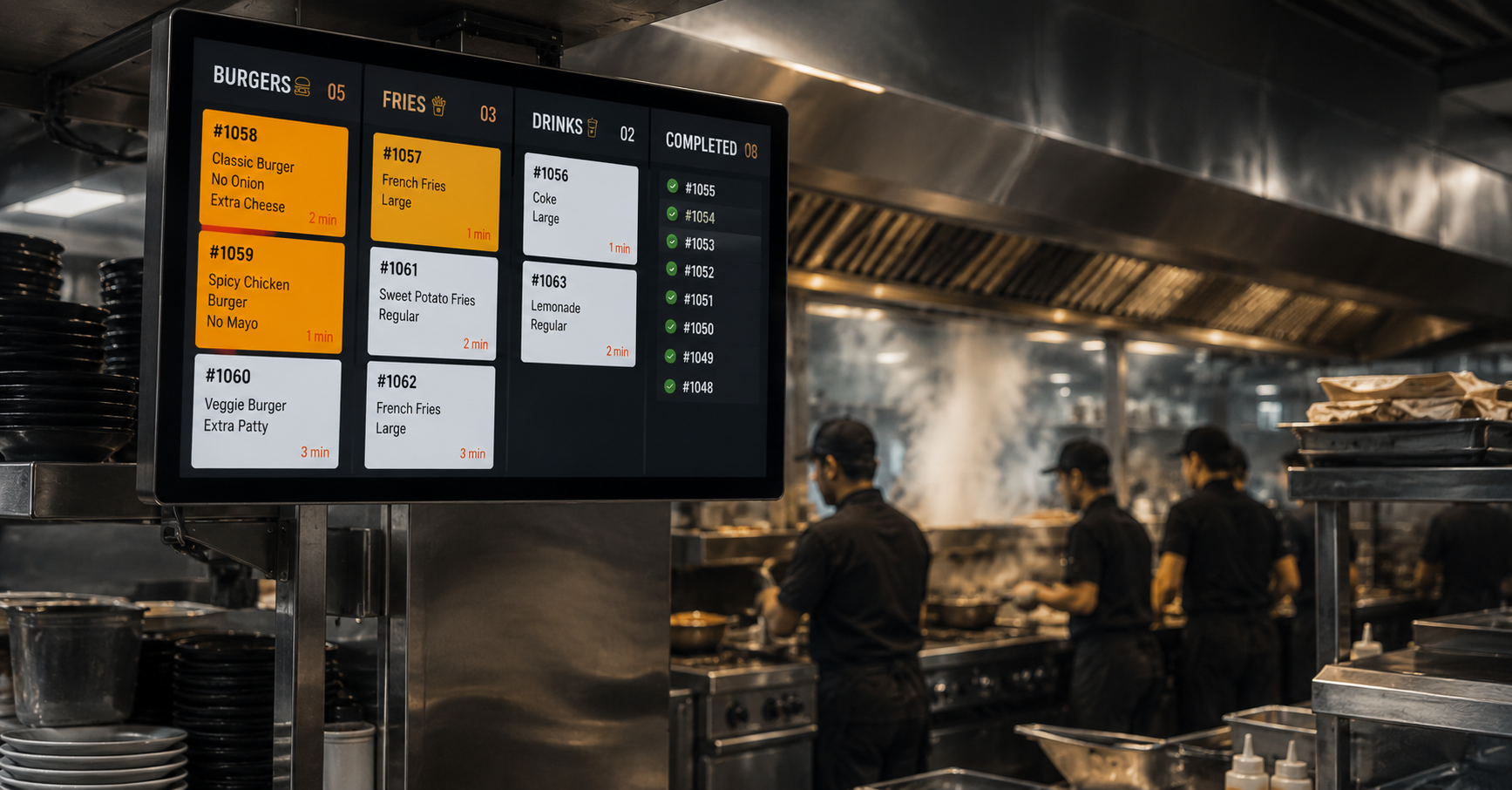
A Kitchen Order Display is a screen-based system that replaces the traditional printed order docket. When an order is placed — at the counter, through a kiosk, via a delivery aggregator, or through an app — it appears instantly on a screen in the kitchen, organised by station, sequence, and priority.
That’s the simple description. The operational impact is where it gets interesting.
In a kitchen running on printed dockets, every order generates a small paper ticket that gets physically routed — clipped to a rail, handed between stations, sometimes lost, sometimes duplicated, sometimes illegible after a grease splash. The kitchen team works from paper, and the front-of-house has limited visibility into what’s actually happening behind the pass.
A KOD replaces all of that with a digital queue. Orders appear on screens at each station — grill, fryer, assembly, packing — automatically routed based on what each station needs to prepare. When an item is done, the chef taps to mark it complete, and the system updates in real time.
Why This Matters More Than It Sounds
Order Accuracy
Printed dockets are handwritten or auto-printed in small text, often smudged by the time they reach the relevant station. Modifications — “no onions,” “extra cheese,” “well done” — are easy to miss in a busy kitchen, especially during peak hours.
A KOD displays modifications clearly, in large legible text, exactly where the relevant station needs to see them. The grill cook sees “no onions” on the screen in front of them — not buried in handwriting on a ticket three stations away.
Order accuracy isn’t just a customer satisfaction issue. Every incorrect order is wasted food cost, wasted prep time, and — increasingly — a public complaint on a delivery platform’s rating system.
Speed and Sequencing
One of the most overlooked aspects of kitchen operations is sequencing — making sure that items which take different amounts of time to prepare are started at the right moment so they finish together.
A burger that takes 4 minutes and fries that take 3 minutes need to be started at different times if they’re going to arrive at the pass simultaneously. In a paper-ticket kitchen, this sequencing depends entirely on the experience and attention of the team. In a KOD-driven kitchen, the system can flag timing dependencies, helping less experienced staff sequence correctly even during rush hours.
This translates directly into reduced average preparation time — and in QSR, prep time is everything. A few seconds saved per order, multiplied across hundreds of orders a day, is a meaningful operational gain.
Real-Time Visibility Across Channels
Modern QSRs don’t just take orders at the counter. There’s dine-in, takeaway, kiosk orders, and multiple delivery aggregators — each historically generating its own printed ticket, often from separate printers, creating chaos in the kitchen during peak hours.
A KOD consolidates all of this into a single, unified queue — regardless of where the order originated. The kitchen team sees one prioritised list, not five different ticket streams from five different machines. This alone eliminates one of the most common sources of kitchen confusion in multi-channel QSR operations.
Data the Kitchen Never Had Before
Every order that flows through a KOD generates data: how long each item took to prepare, which stations are bottlenecks during peak hours, which modifications are most common, how prep times vary by daypart.
This data doesn’t just sit there — it’s the foundation for operational improvements that paper tickets could never provide. Identifying that the fryer station consistently runs behind during the 1–2 PM rush, for example, is the kind of insight that can directly inform staffing decisions.
What Changes for the Kitchen Team
Operators sometimes worry that introducing screen-based systems into a kitchen environment — already hot, busy, and high-pressure — adds complexity rather than reducing it.
In practice, the opposite tends to be true. The interaction model is simple: see the order, prepare it, tap to mark complete. There’s no typing, no navigation, no learning curve beyond the first shift. For kitchen staff who have spent years working from paper tickets, the transition is usually faster than expected — because the system is doing the organisational work that staff previously had to do mentally.
The screens themselves need to be built for the environment — heat-resistant, easy to clean (often touch-free or simple-touch interfaces), and positioned to be visible without obstructing workflow. This is an environment of steam, oil, and constant activity, and the hardware needs to be specified accordingly.
KOD vs. Kiosk: A Common Point of Confusion
It’s worth clarifying a point that comes up often: a Kitchen Order Display is not a kiosk variant, and it’s not customer-facing. A self-order kiosk is where the customer places an order. A KOD is purely back-of-house — it’s where that order (regardless of how it was placed) becomes a set of instructions for the kitchen team.
The two systems are complementary, not interchangeable. A kiosk improves how orders are placed. A KOD improves how orders are fulfilled. The full benefit of digital ordering is only realised when both ends of the process are connected — an order placed digitally should flow seamlessly into a digital kitchen queue, without anyone re-entering anything.
The Integration Question
As with most kitchen technology, the KOD’s value depends heavily on integration. The questions worth asking before deployment:
- Does the KOD integrate with your POS system, so orders flow through automatically regardless of channel?
- Can it pull in orders from delivery aggregators, consolidating them into the same queue as in-store orders?
- Does it support station-based routing — sending the right items to the right screens automatically?
- Is there a “bump bar” or simple-tap interface that works reliably in kitchen conditions — wet hands, gloves, constant movement?
- Can performance data (prep times, bottlenecks) be exported or viewed by management?
A KOD that operates in isolation — disconnected from the ordering channels — is only solving half the problem. The full value comes from being part of a connected order-to-kitchen pipeline.
The Bottom Line
Front-of-house technology gets the attention because it’s visible — customers see kiosks, menu boards, and apps directly. But the kitchen is where orders either get fulfilled correctly and quickly, or they don’t.
For QSR operators focused on throughput, accuracy, and the kind of operational consistency that builds repeat customers, the Kitchen Order Display is not a nice-to-have add-on. It’s foundational infrastructure — the part of the technology stack that makes everything ordered at the front actually work at the back.
If you’re looking at upgrading kitchen operations — whether as part of a broader digital rollout or as a standalone improvement — we’d be happy to walk through what a KOD deployment involves.
Get in touch: contact@techworksworld.com | +91-99109 65918 | techworksworld.com